
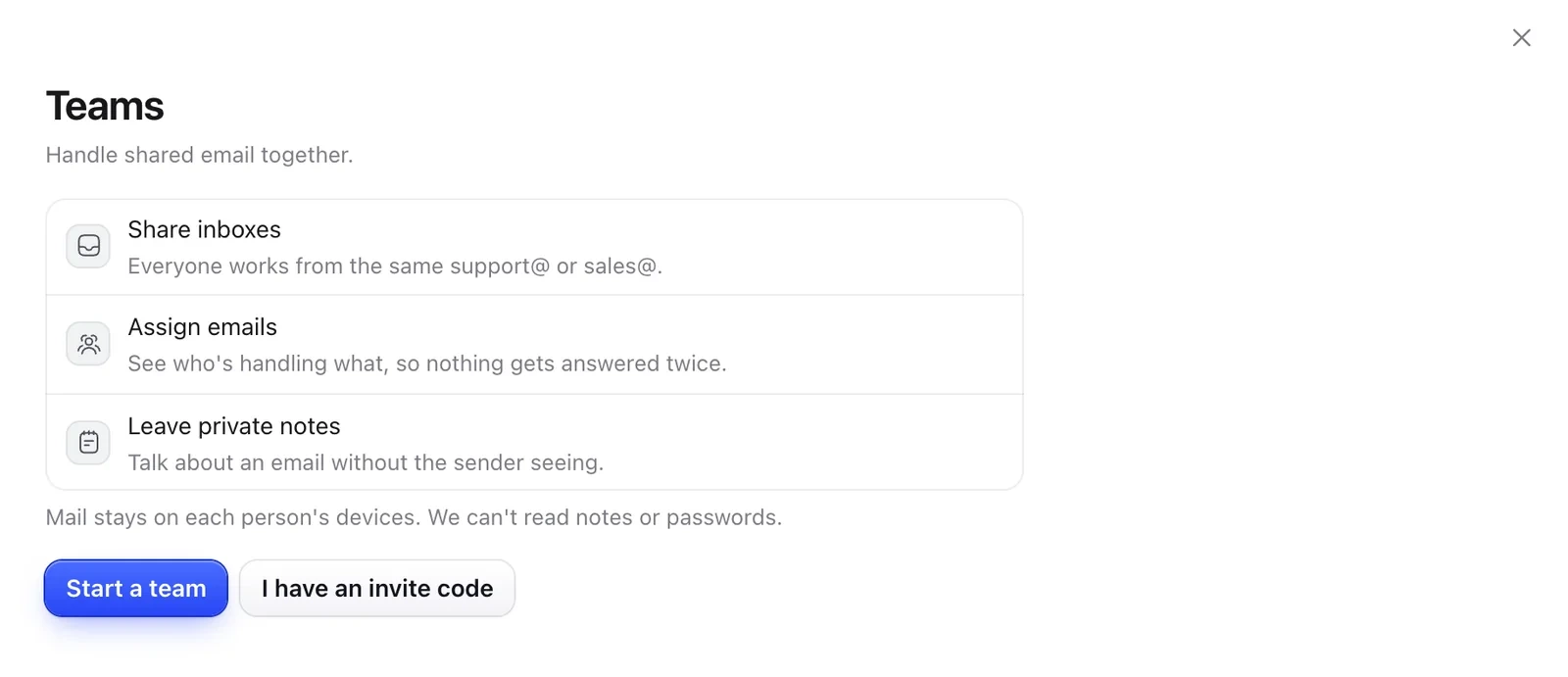
Teams need a free Mailzo account. Mail stays on each person's devices, and we can't read notes or passwords.
- Open Settings › Team and click Start a team.
- Click Invite someone and send them the code yourself. It works once, for 7 days.
- Share an inbox with the team. Everyone can read and send from it, without seeing its password.
Working together
- Assign an email so everyone sees who's handling it.
- Leave private notes on an email. The sender never sees them. Type @ to mention someone.
- Save team templates everyone can use.
Still need help?
Write to us and a real person will reply.