
Read and unread
Unread emails are bold with a coloured edge. Press U to switch an email between read and unread. To clear a list, open Filter › Unread only and click Mark all as read at the top.
Select several emails
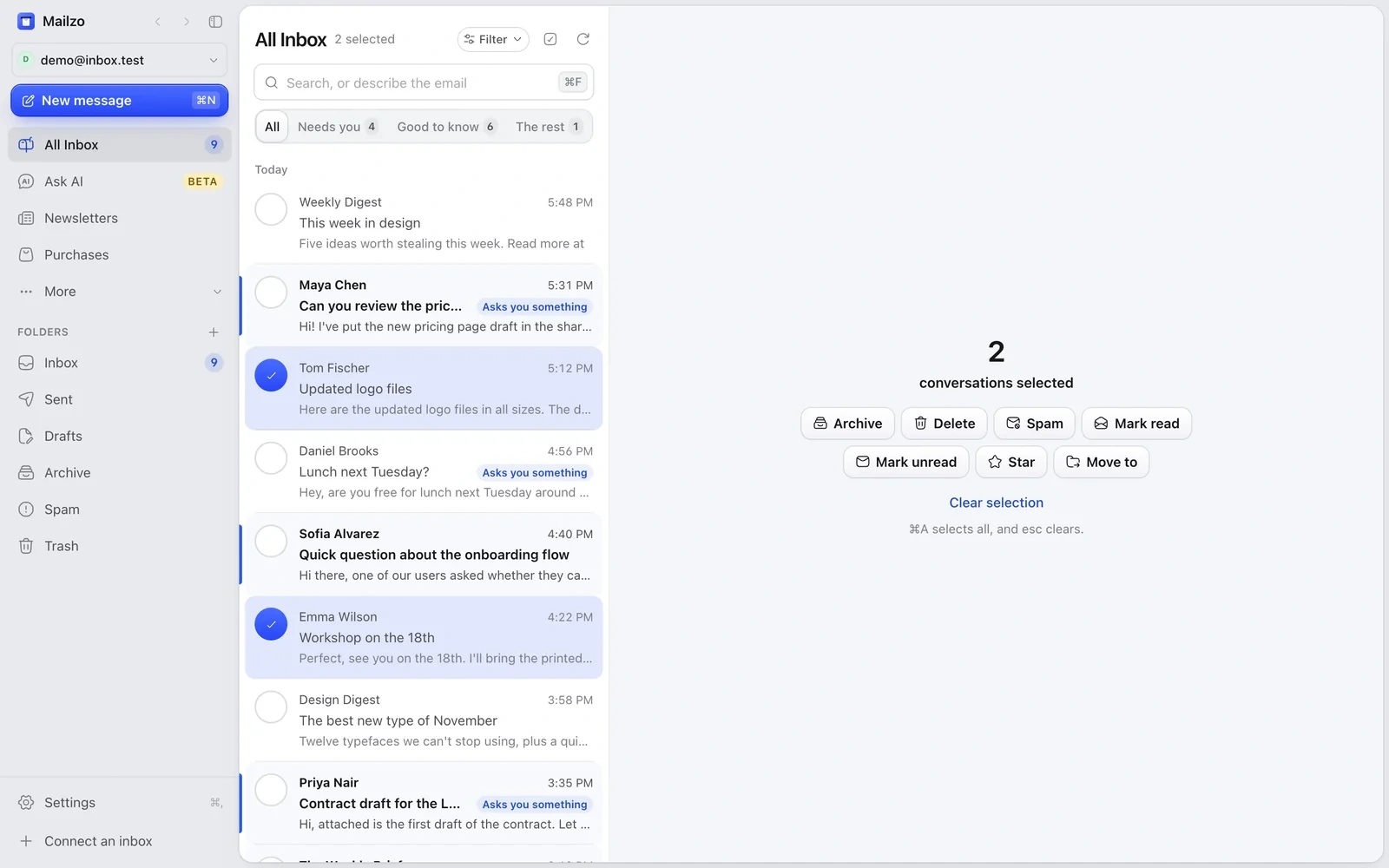
- ⌘-click each email you want, or ⇧-click to select a range. ⌘A selects the whole list.
- Use the buttons that appear to archive, delete, move or mark them all at once.
- Press esc to clear the selection.
Archive, delete and undo
Press E to archive and # to delete. Every action happens at once, and an Undo button appears in case you change your mind.
Move around
J and K open the next and previous email. ⌘← and ⌘→, or your mouse's side buttons, go back and forward.
Still need help?
Write to us and a real person will reply.