
- Open Settings › Notifications.
- Under Which email, choose Only what needs me, People or All new mail.
- Pick a sound, and whether banners show the sender, subject and a preview.
- Turn on Quiet hours to pause banners when you choose.
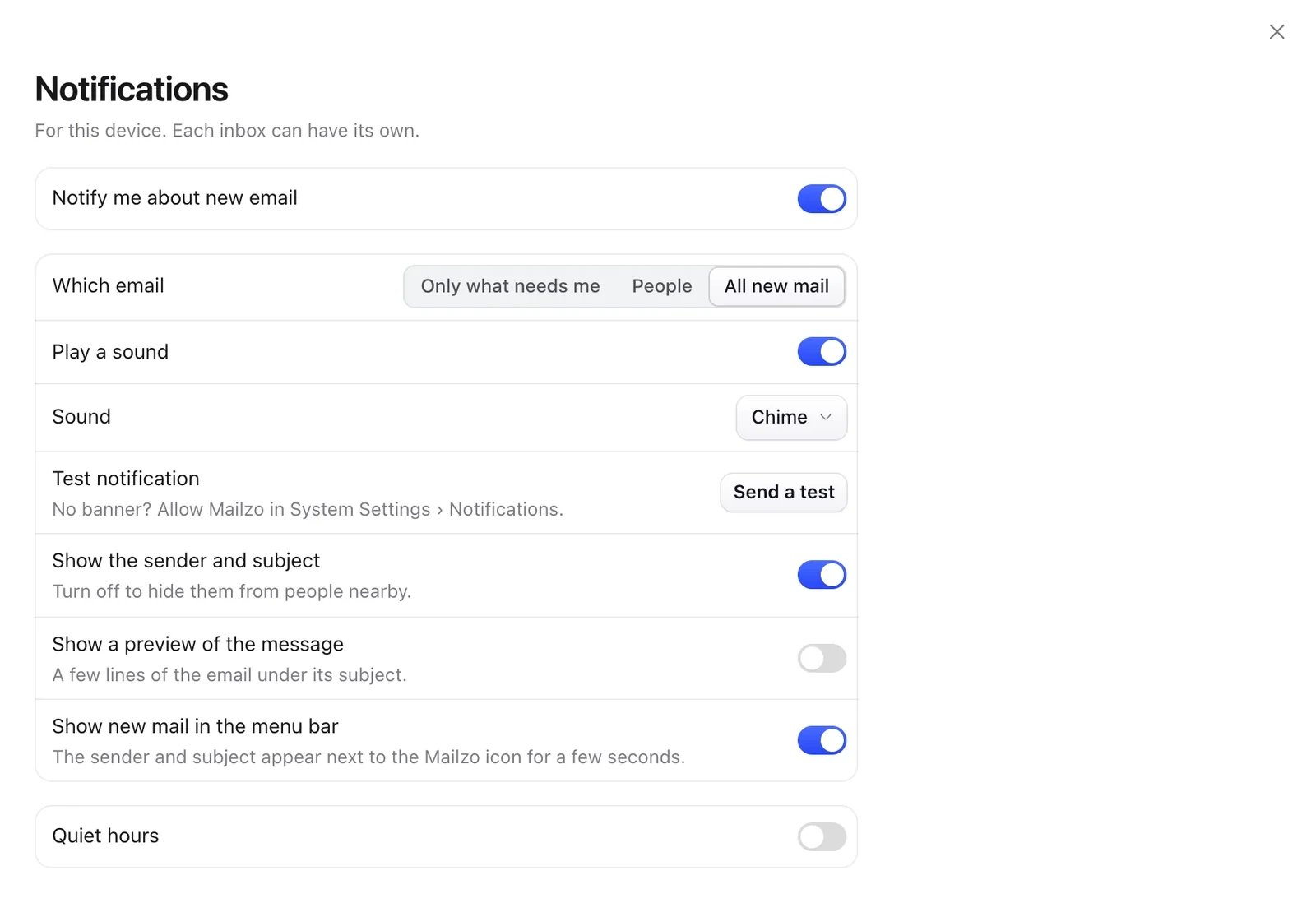
No banners? Allow Mailzo in your Mac's System Settings › Notifications, then click Send a test.
The menu bar
The Mailzo icon in your menu bar shows your unread email and sign-in codes, and lets you mark everything as read. Turn it on or off in Settings › General.
Still need help?
Write to us and a real person will reply.