
Before you start: turn on IMAP
- Open Zoho Mail settings and go to Mail Accounts.
- Under IMAP, turn on IMAP Access.
Steps
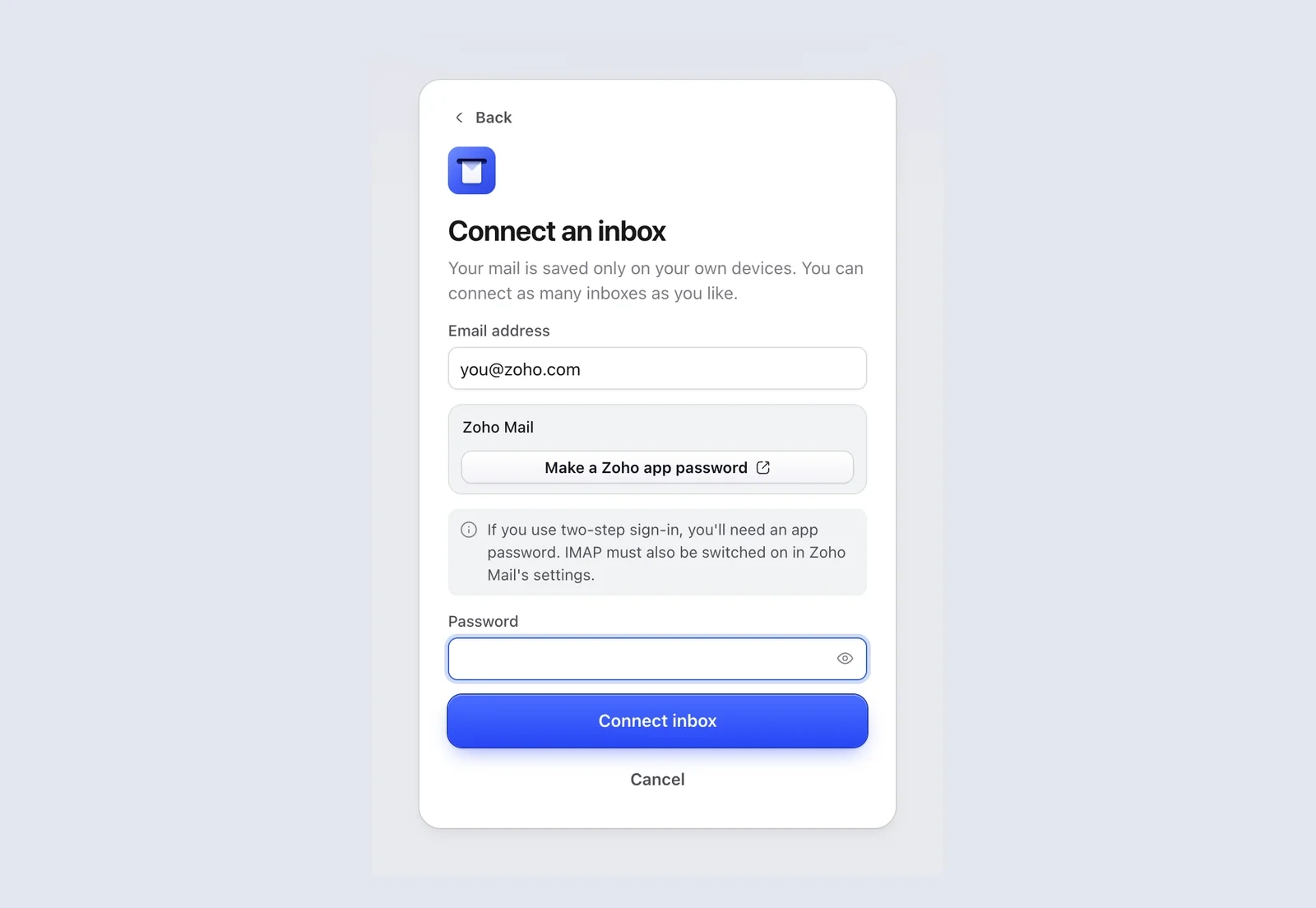
- In Mailzo, click Connect an inbox, type your Zoho address and click Continue.
- If you don't use two-step sign-in, type your normal Zoho password.
- If you do use two-step sign-in, click Make a Zoho app password in Mailzo, or go to Zoho app passwords. Name it Mailzo, click Generate and copy the password.
- Paste the password into Mailzo and click Connect inbox.
Good to know
- Mailzo picks Zoho's right region for you: zoho.com, zoho.eu or zoho.in.
- Zoho Mail on your own business domain works too. Type your work address and Mailzo finds Zoho's settings.
Still need help?
Write to us and a real person will reply.