
Purchases
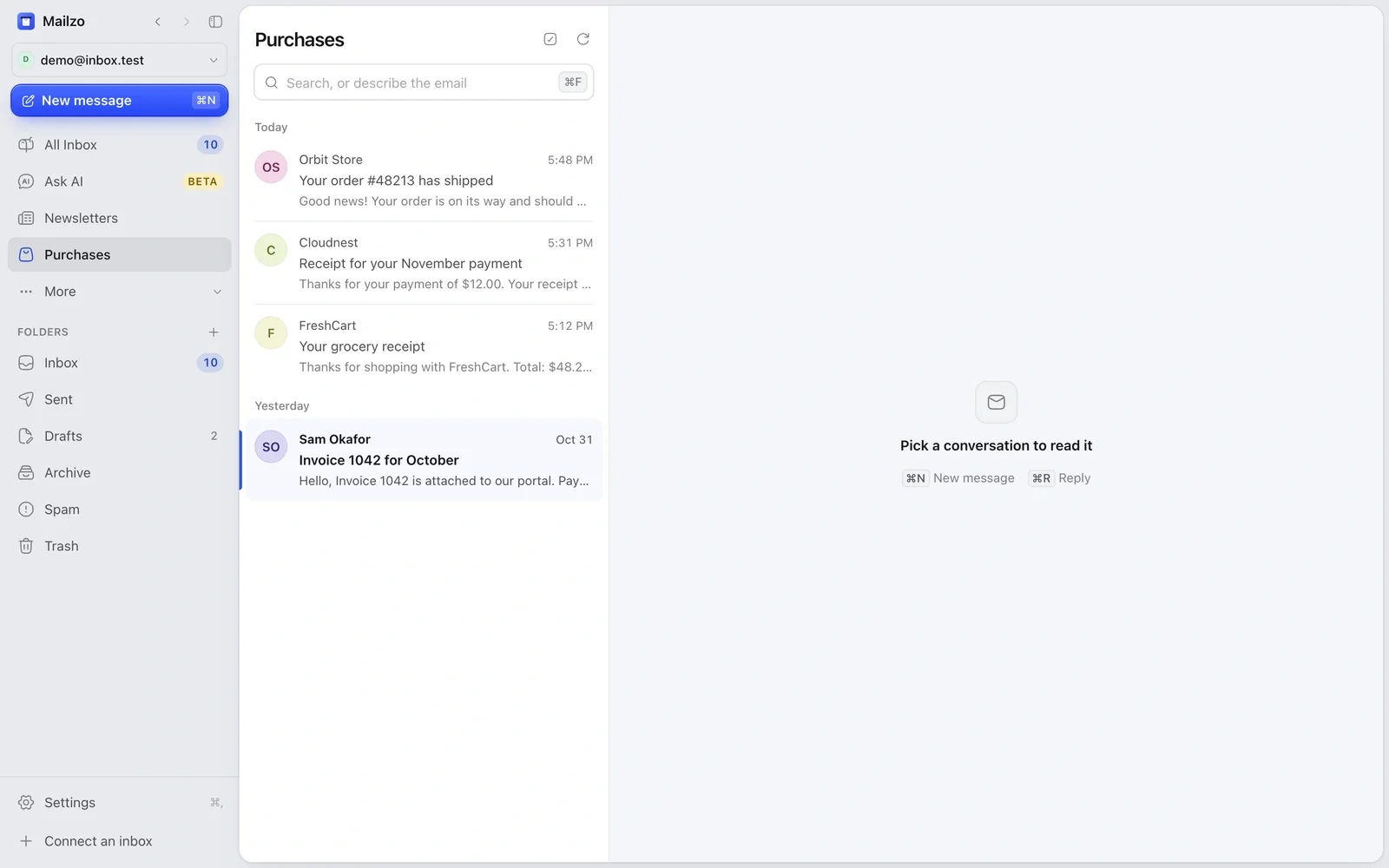
Click Purchases in the sidebar to see receipts, orders, bills, payments and bank alerts together. They stay in your inbox too.
Sign-in codes
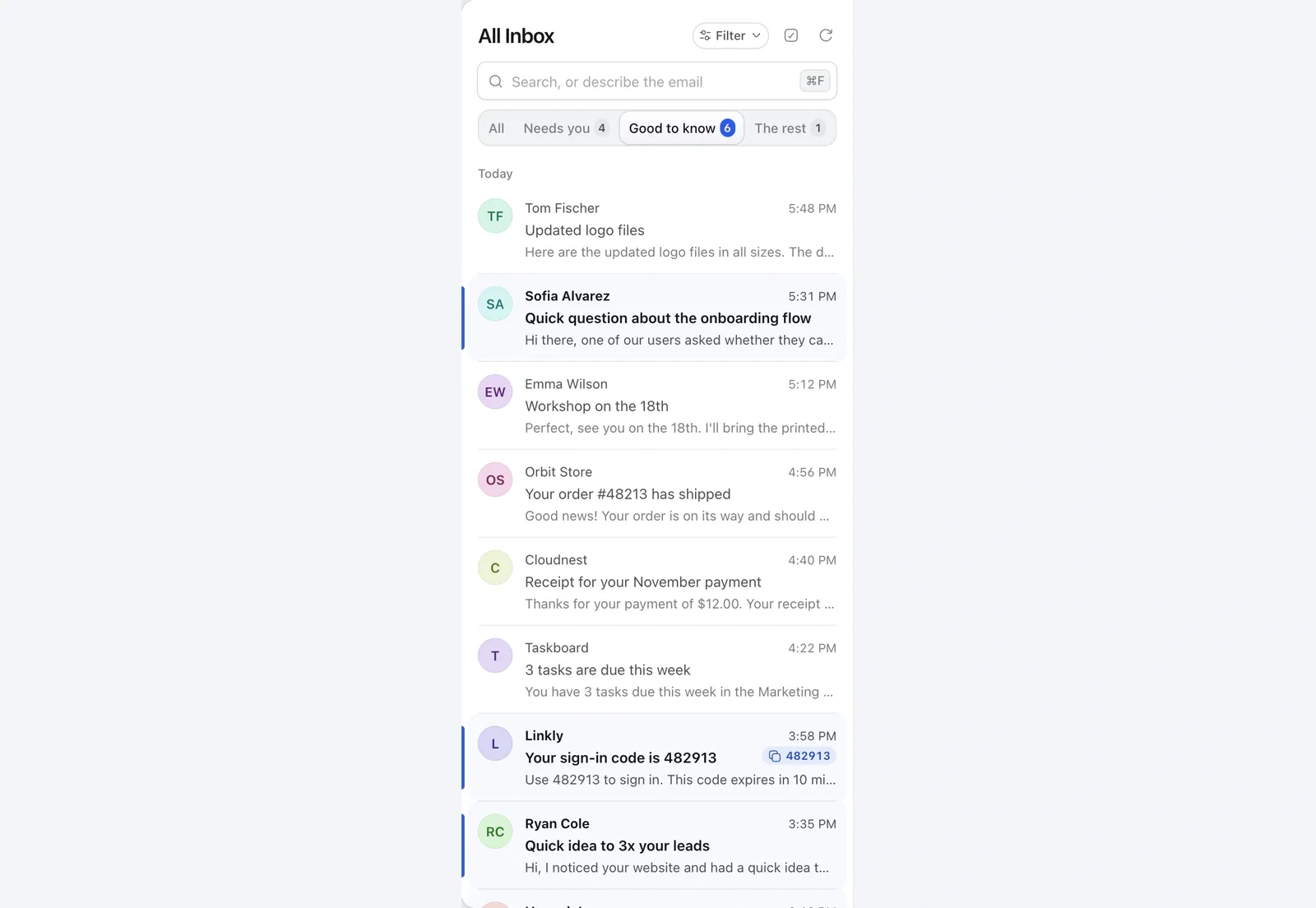
- When a sign-in code arrives, it shows next to the email in the list.
- Click the code to copy it.
- The email then moves to the bin. To keep it, change After copying an OTP in Settings › General.
Still need help?
Write to us and a real person will reply.