
AT&T Mail needs a secure mail key: a password made just for mail apps.
Steps
- In Mailzo, click Connect an inbox, type your AT&T address and click Continue.
- Click Open your AT&T profile in Mailzo, or go to your AT&T profile, and sign in.
- Choose Sign-in info, then find Secure mail key.
- Click Add secure mail key, pick your email address and name it Mailzo.
- Copy the key AT&T shows. It's only shown once.
- Paste it into Paste it here in Mailzo and click Connect inbox.
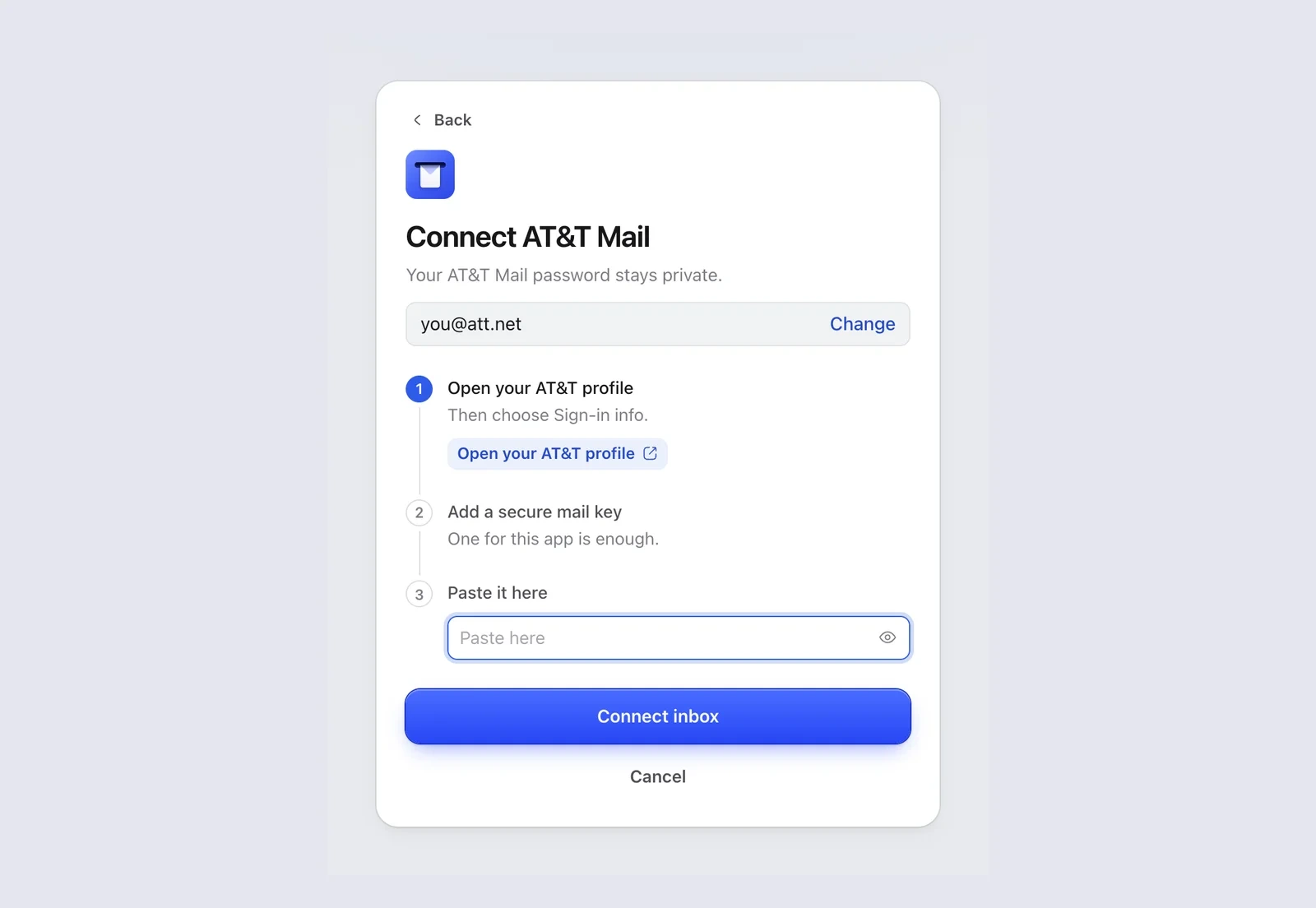
One key for Mailzo is enough, even if you use it on several Macs.
Still need help?
Write to us and a real person will reply.