
Snooze
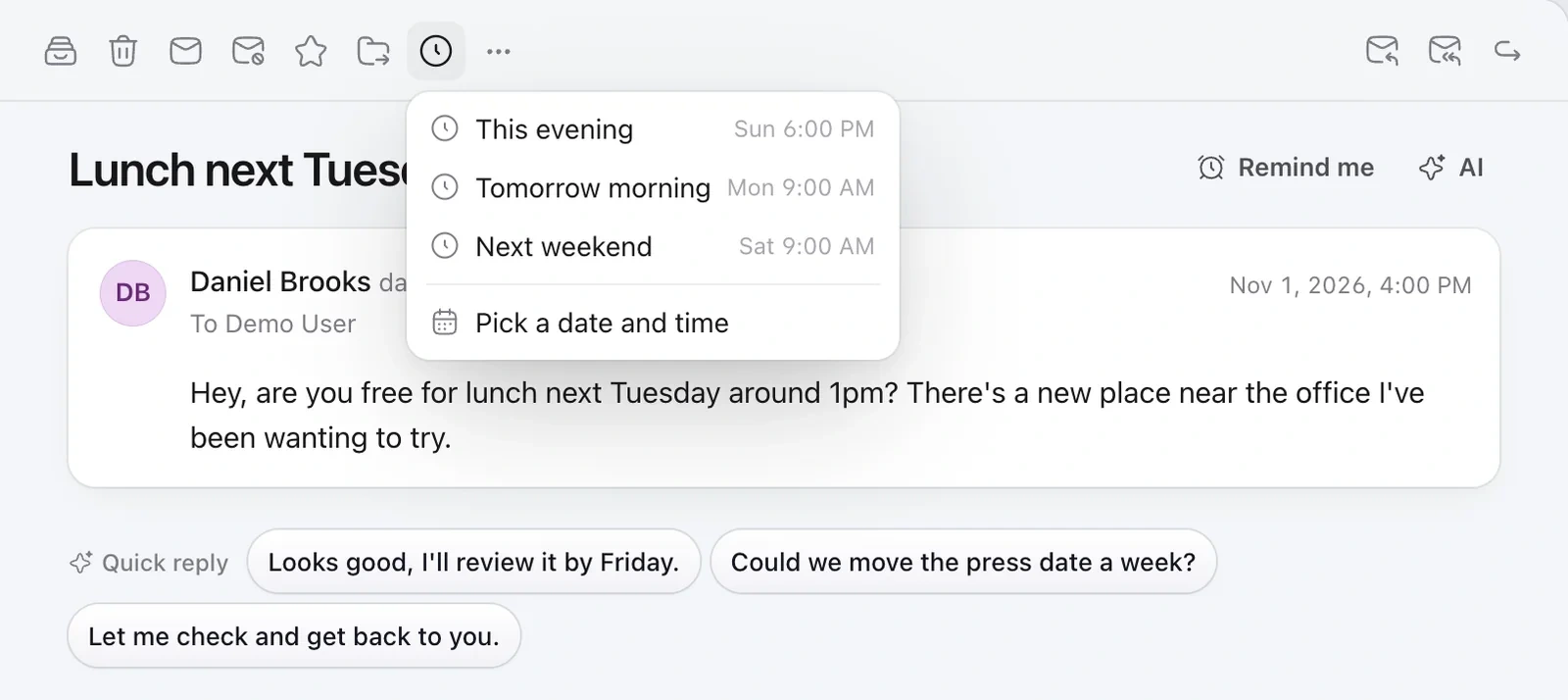
- Open an email or hover over it in the list.
- Click the clock and choose a time, like Later today or Next week. H snoozes until tomorrow morning.
- The email leaves your inbox and comes back at that time.
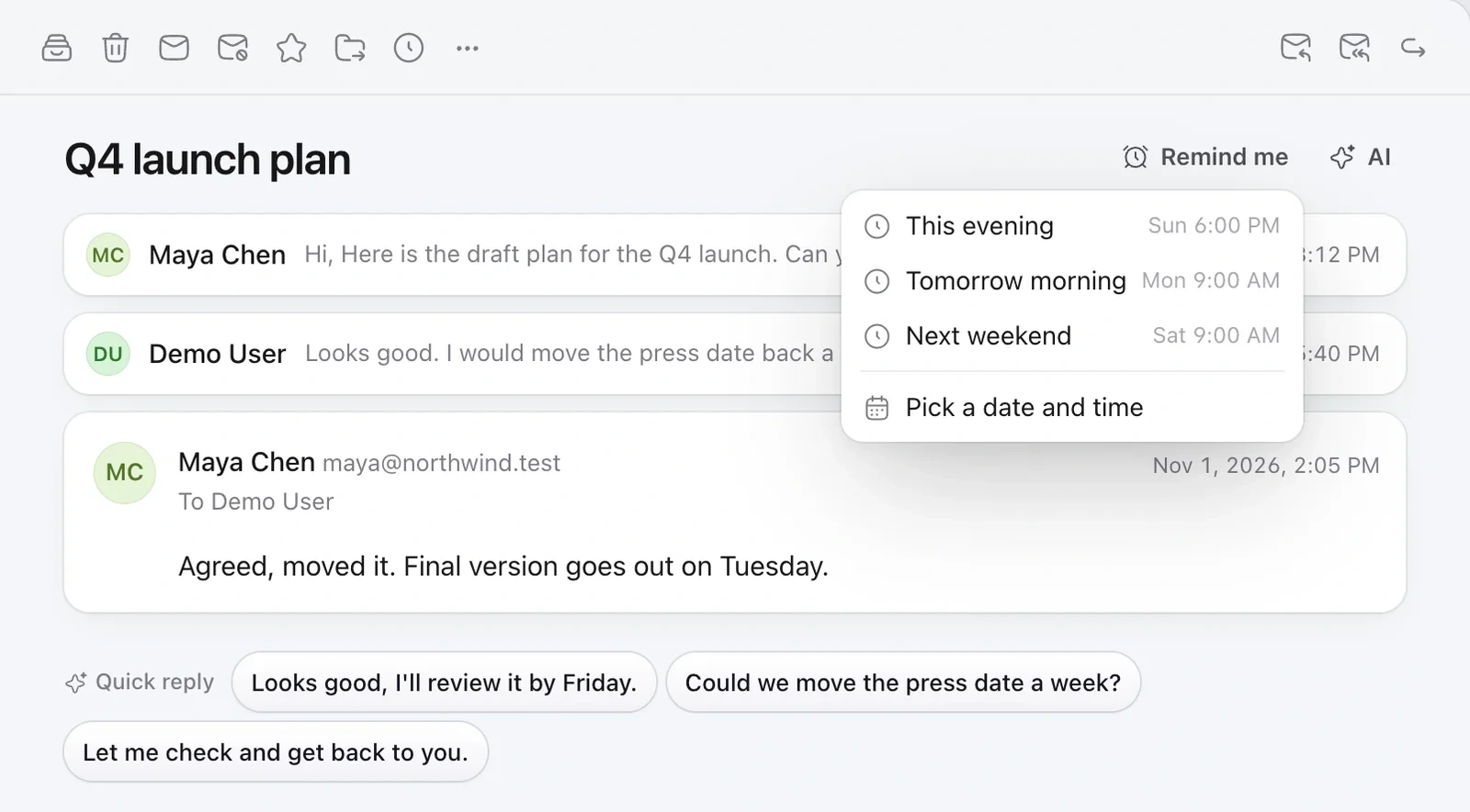
Remind me
Click Remind me on an email to get it back on a date, or only if nobody replies by then. Find them all under More › Reminders.
Pin, star and mute
- P pins an email to the top of the list.
- S stars it.
- M mutes a noisy conversation, so new replies stay out of your way.
Still need help?
Write to us and a real person will reply.