
Add a signature
- Open Settings and click the inbox under its address.
- Under Signatures, write one for new messages and one for replies.
- Mailzo adds it every time you write from that inbox.
Templates
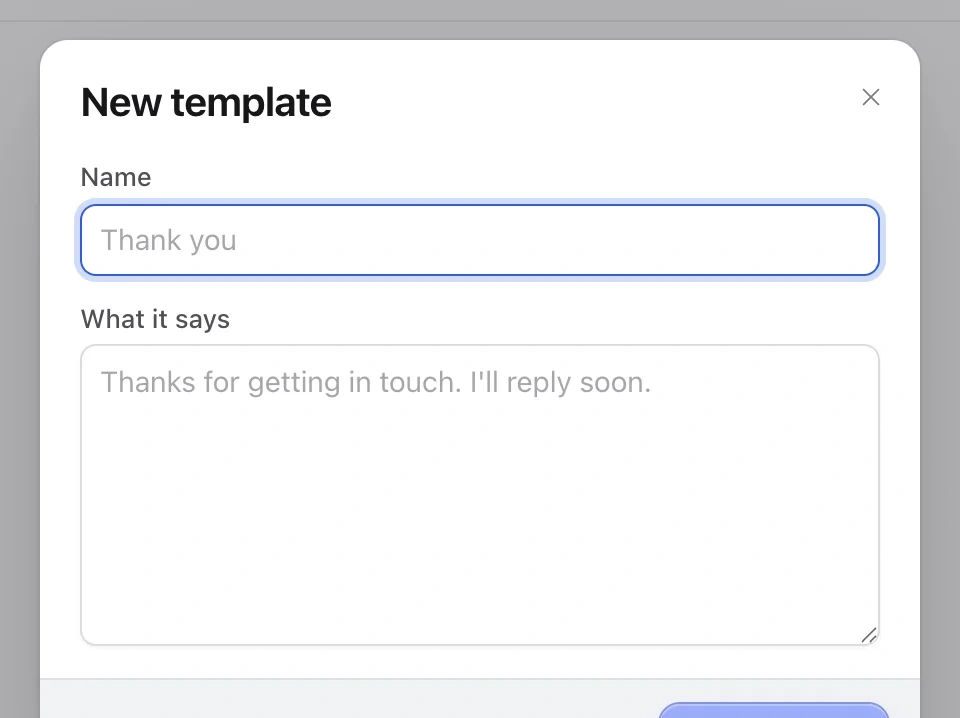
- Open Settings › Templates and click New template.
- Give it a name and write the words.
- When you write an email, insert it from the template button in one click.
Still need help?
Write to us and a real person will reply.