
Steps
- In Mailzo, click Connect an inbox, type your address and click Continue.
- Mailzo looks up your provider's mail settings for you.
- Type your email password and click Connect inbox.
If your provider uses two-step sign-in, you'll likely need an app password from its website instead of your normal password.
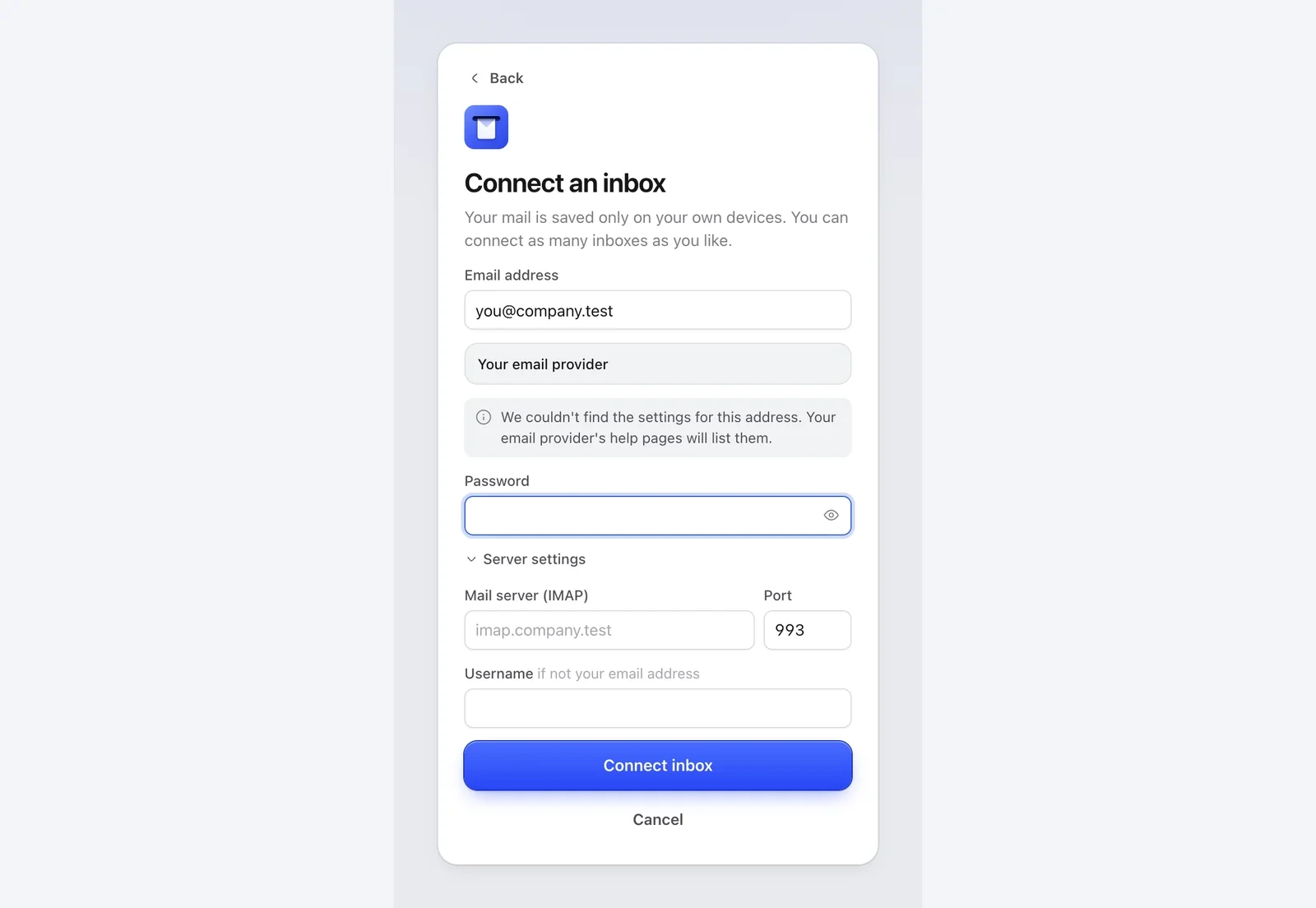
If Mailzo can't find the settings
- Click Server settings.
- Type the incoming (IMAP) server and port, and the outgoing (SMTP) server and port. Your provider's help pages or your IT team have these.
- Click Connect inbox.
Providers that can't connect
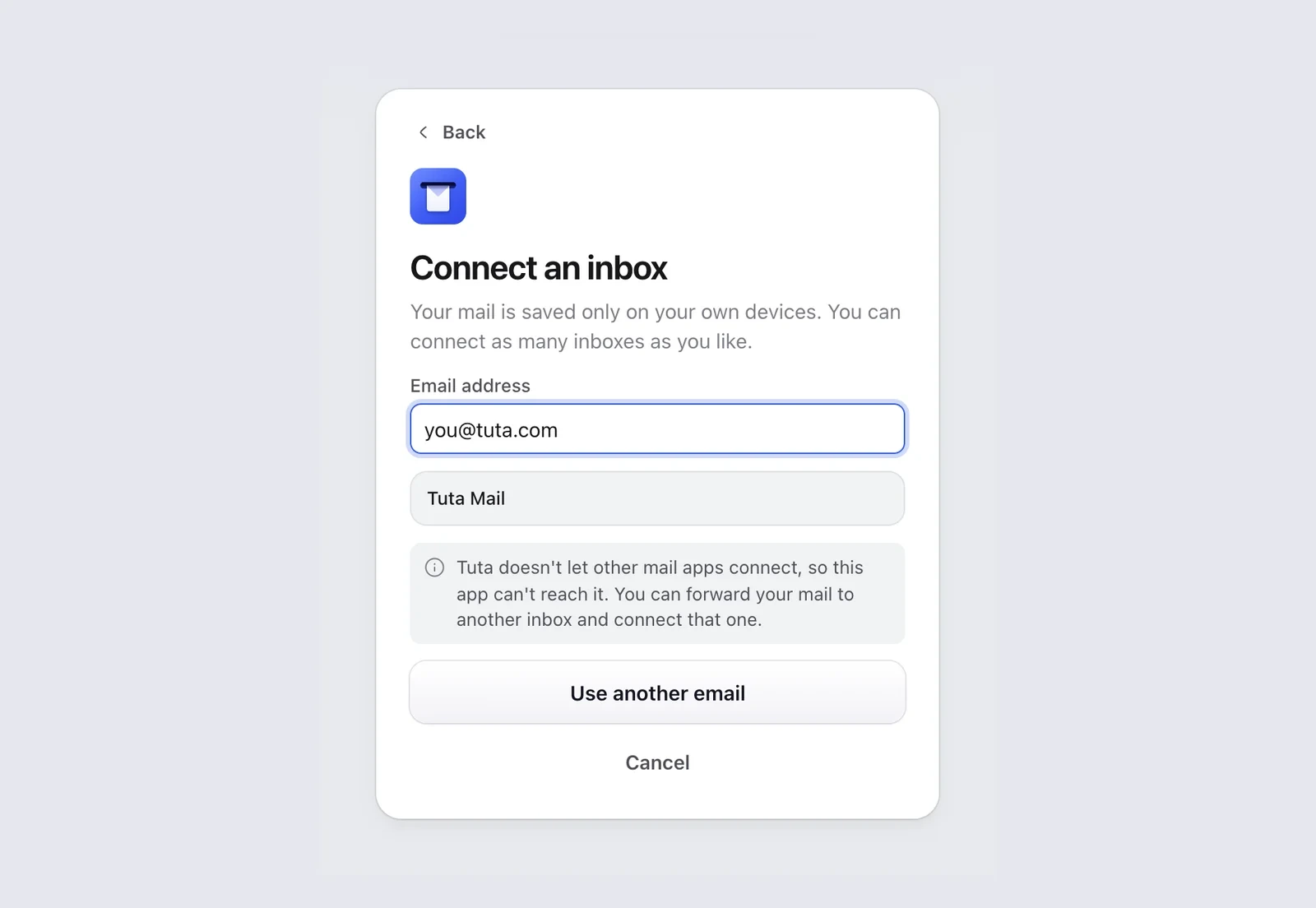
Tuta and HEY don't let any other mail app connect. Mailzo tells you when you type one of these addresses. You can forward your mail to another inbox and connect that one.
Still need help?
Write to us and a real person will reply.