
Spam
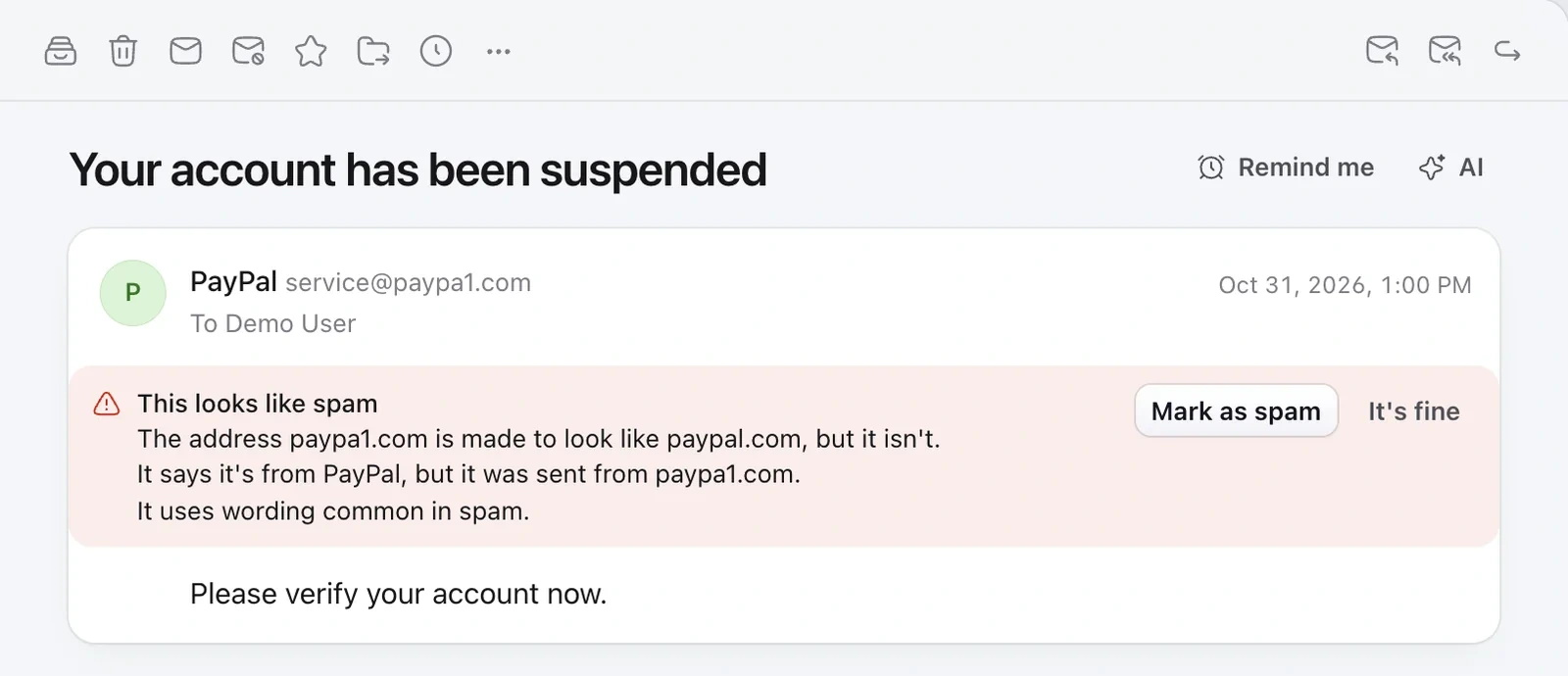
Mailzo moves spam to your Spam folder and each email says why it was caught. Choose Mark as spam on anything it misses, and Not spam to bring an email back. It learns from both.
Block a sender
Right-click an email and choose Block sender. Their emails go straight to Spam.
Screen new senders
- Open Settings › General and turn on Screen new senders.
- People emailing you for the first time wait under New senders in the sidebar.
- Click Let in once and they always reach your inbox.
Still need help?
Write to us and a real person will reply.