
Lock with Touch ID
- Open Settings › Privacy.
- Turn on Lock Mailzo.
- Choose whether it also locks after 15 minutes away.
While locked, nothing can read your mail, including connected AI apps.
Encrypted email (OpenPGP)
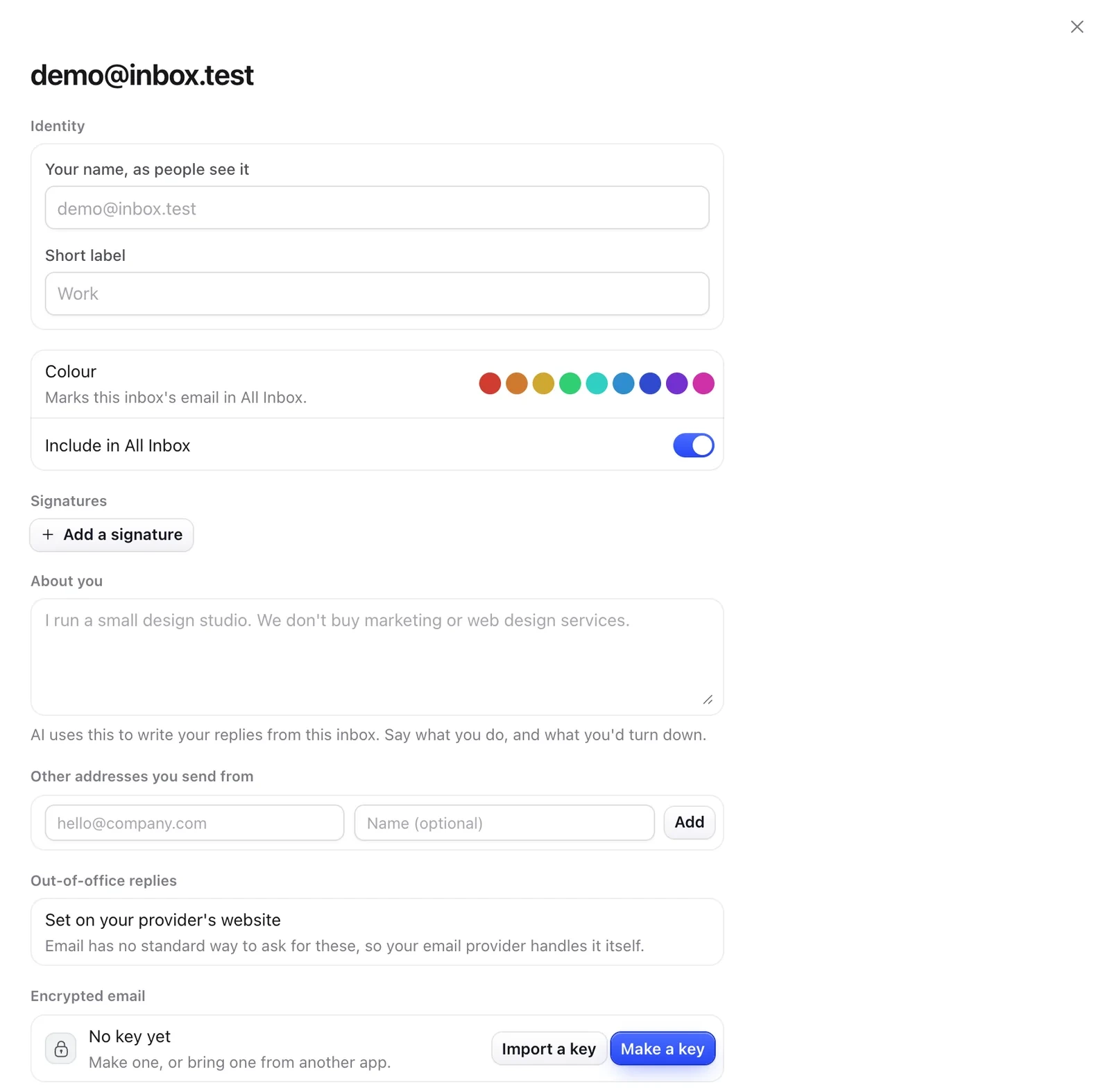
- Open Settings and click the inbox under its address.
- Under Encrypted email, click Make a key, or Import a key from Thunderbird, Proton or GPG.
- Keys from people who use encryption arrive with their emails. To add one yourself, use Paste a key in Settings › Privacy.
- When you write, turn on Encrypt. Only the people it's to can read it.
Still need help?
Write to us and a real person will reply.