
Yahoo Mail needs an app password. Your normal Yahoo password won't work in Mailzo.
Steps
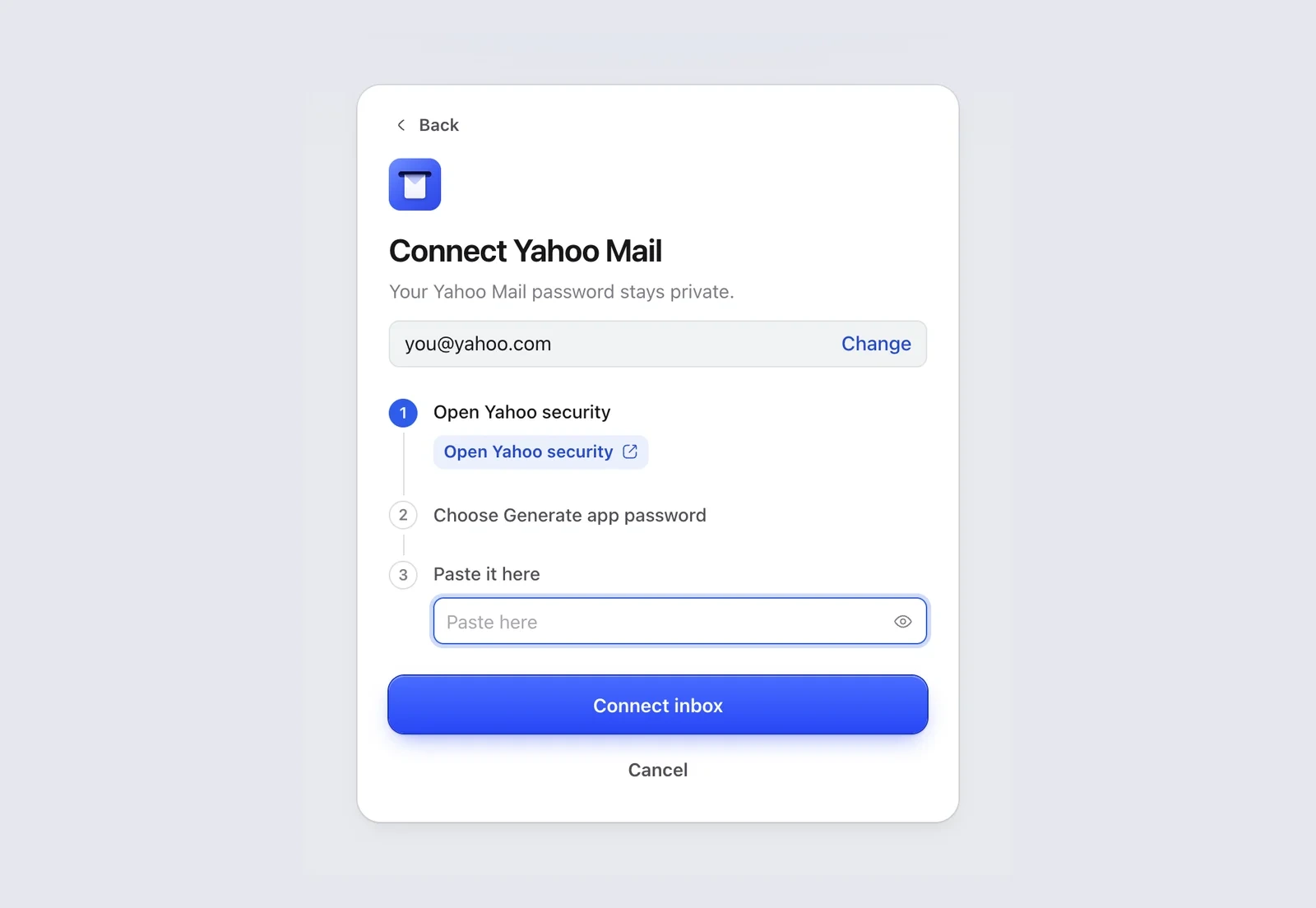
- In Mailzo, click Connect an inbox, type your Yahoo address and click Continue.
- Click Open Yahoo security in Mailzo, or go to Yahoo account security, and sign in.
- Click Generate app password (it may say Generate and manage app passwords).
- Type Mailzo as the app name and click Generate password.
- Copy the password Yahoo shows.
- Paste it into Paste it here in Mailzo and click Connect inbox.
Remove Mailzo's access
Open Yahoo account security, go to the app passwords list and remove Mailzo.
Still need help?
Write to us and a real person will reply.