
Mailzo is free and you don't need a Mailzo account. Your email downloads straight from your provider to your Mac.
Install
- Download Mailzo from getmailzo.com.
- Drag Mailzo into your Applications folder.
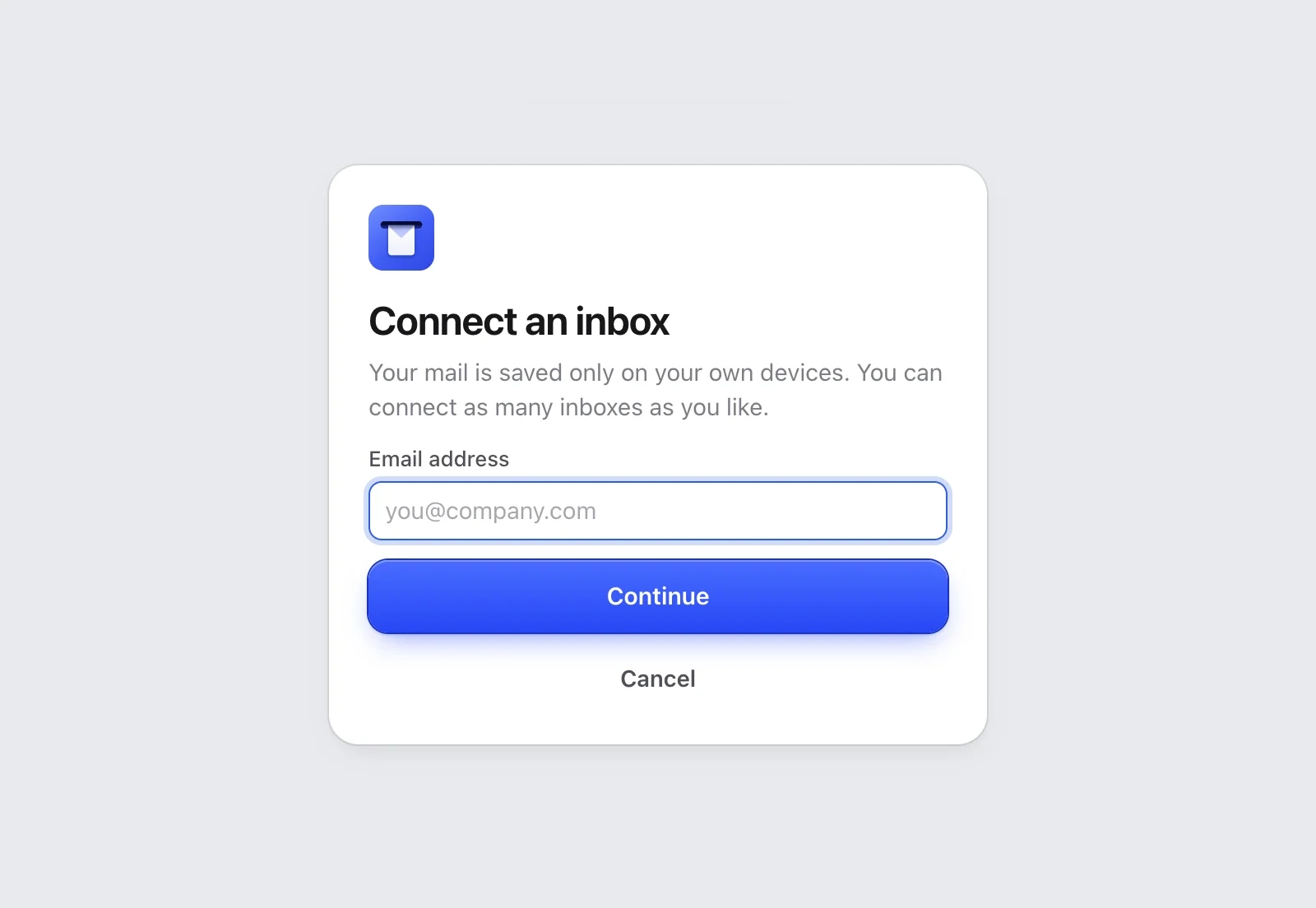
- Open it. The first window asks you to connect an inbox.
Connect your inbox
- Type your email address and click Continue.
- Mailzo knows your provider and shows its own short steps, with a button that opens the right page on your provider's website.
- Follow the steps, paste the password and click Connect inbox.
Step-by-step guide for your provider
- Gmail and Google Workspace
- Outlook, Hotmail and Live
- iCloud Mail
- Yahoo Mail
- AOL Mail
- AT&T Mail
- Zoho Mail
- Fastmail
- Yandex Mail
- Proton Mail
- Work email, your own domain and other providers
The first download
A bar shows how many emails are left. You can read and write while it downloads.
Still need help?
Write to us and a real person will reply.