
Find a setting
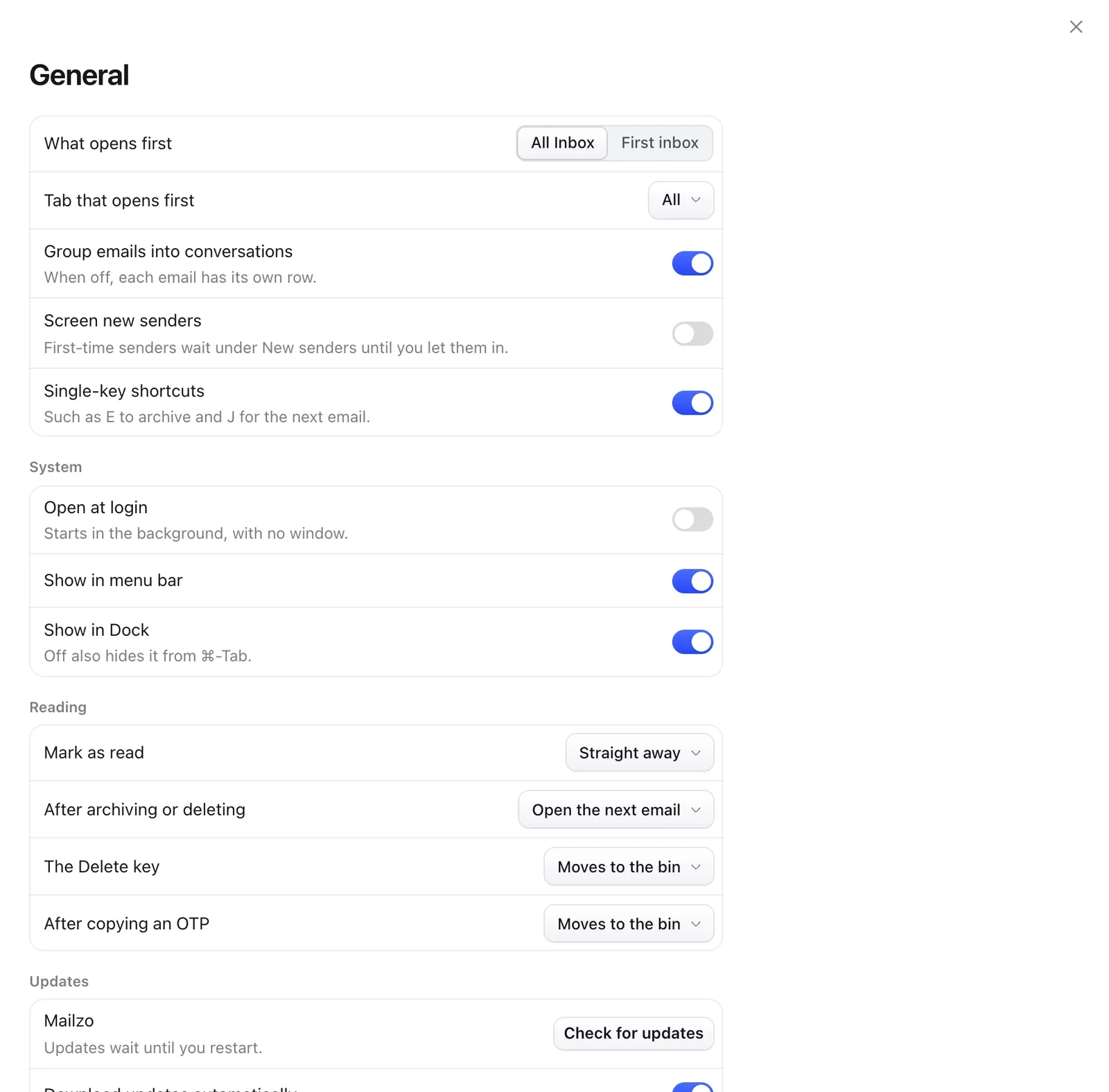
Press ⌘, to open Settings. Type in the search box at the top to find any setting.
Language
Mailzo follows your Mac's language. To choose another, open Settings › Appearance › Language. Mailzo speaks English, German, Spanish, French, Portuguese, Japanese, Korean and Chinese.
Storage
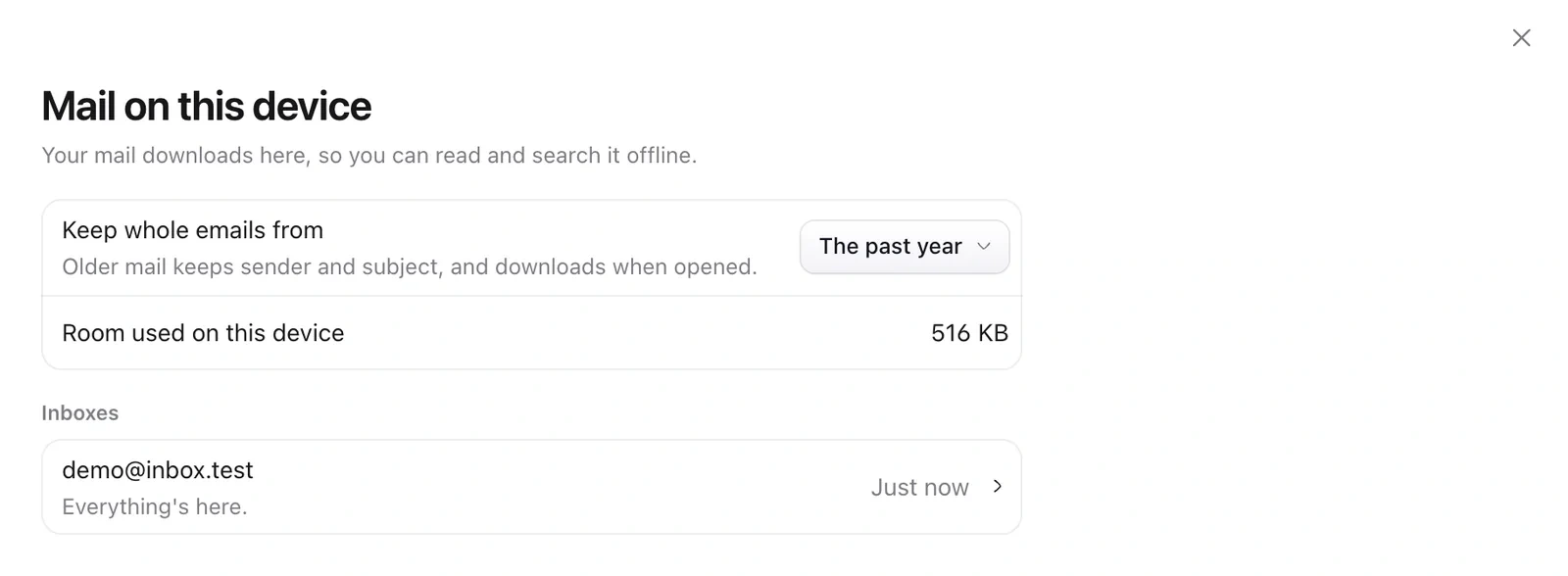
- Open Settings › Storage.
- Under Keep whole emails from, choose how far back. Older mail keeps its sender and subject, and downloads when you open it.
Updates
Mailzo checks for updates itself. When one is ready, click Restart. Your drafts are kept.
Still need help?
Write to us and a real person will reply.