
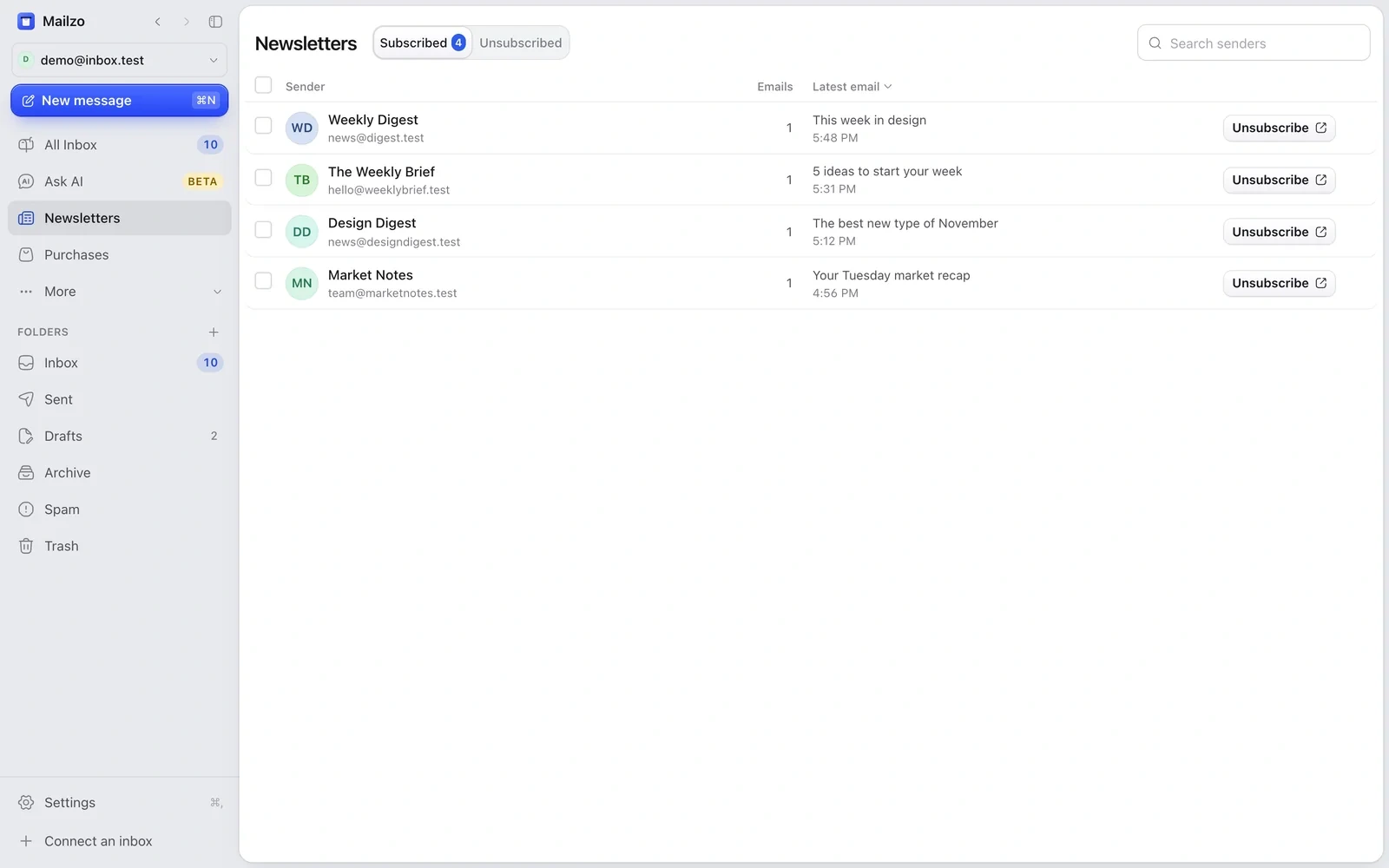
- Click Newsletters in the sidebar.
- You'll see who sends you the most, with how many emails each.
- Tick the senders you don't want and click Unsubscribe.
- Choose whether to archive the emails they already sent.
Most senders stop straight away. A few need you to finish on their website or by email; Mailzo lists those so you can finish them one by one. It can take a few days for emails to stop.
Still need help?
Write to us and a real person will reply.