
Proton Mail is end-to-end encrypted, so other mail apps reach it through Proton Mail Bridge, a small Proton app that runs on your Mac. Bridge comes with paid Proton plans.
Steps
- Download Proton Mail Bridge, install it and sign in with your Proton account.
- Leave Bridge running.
- In Bridge, click your account and open its mailbox details. Copy the password shown there. It's not your Proton password.
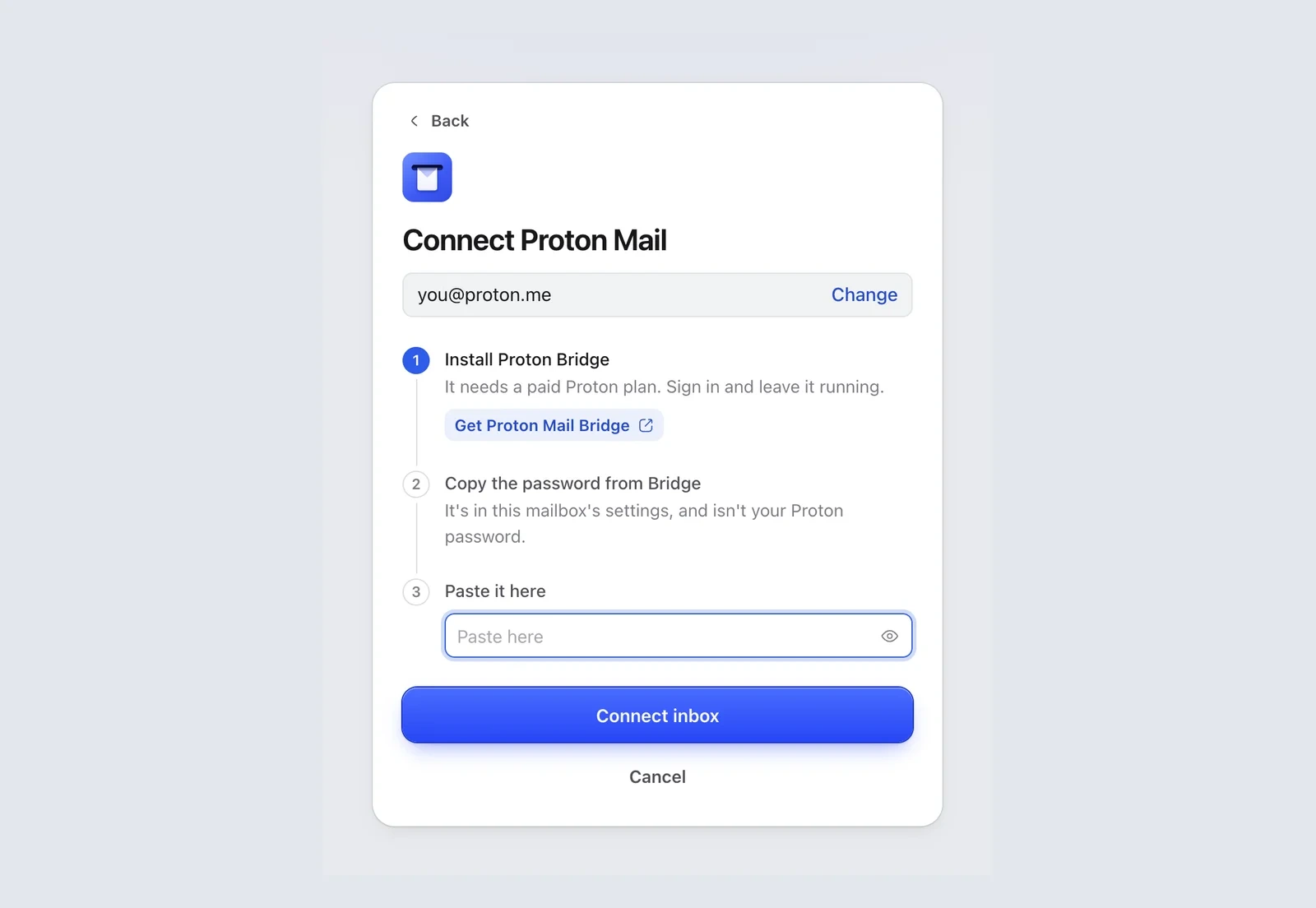
- In Mailzo, click Connect an inbox, type your Proton address and click Continue.
- Paste the Bridge password into Paste it here and click Connect inbox.
Good to know
- Keep Bridge open. New email only reaches Mailzo while Bridge is running.
- Free Proton plans can't use Bridge, so they can't connect to any mail app.
Still need help?
Write to us and a real person will reply.