
Tags
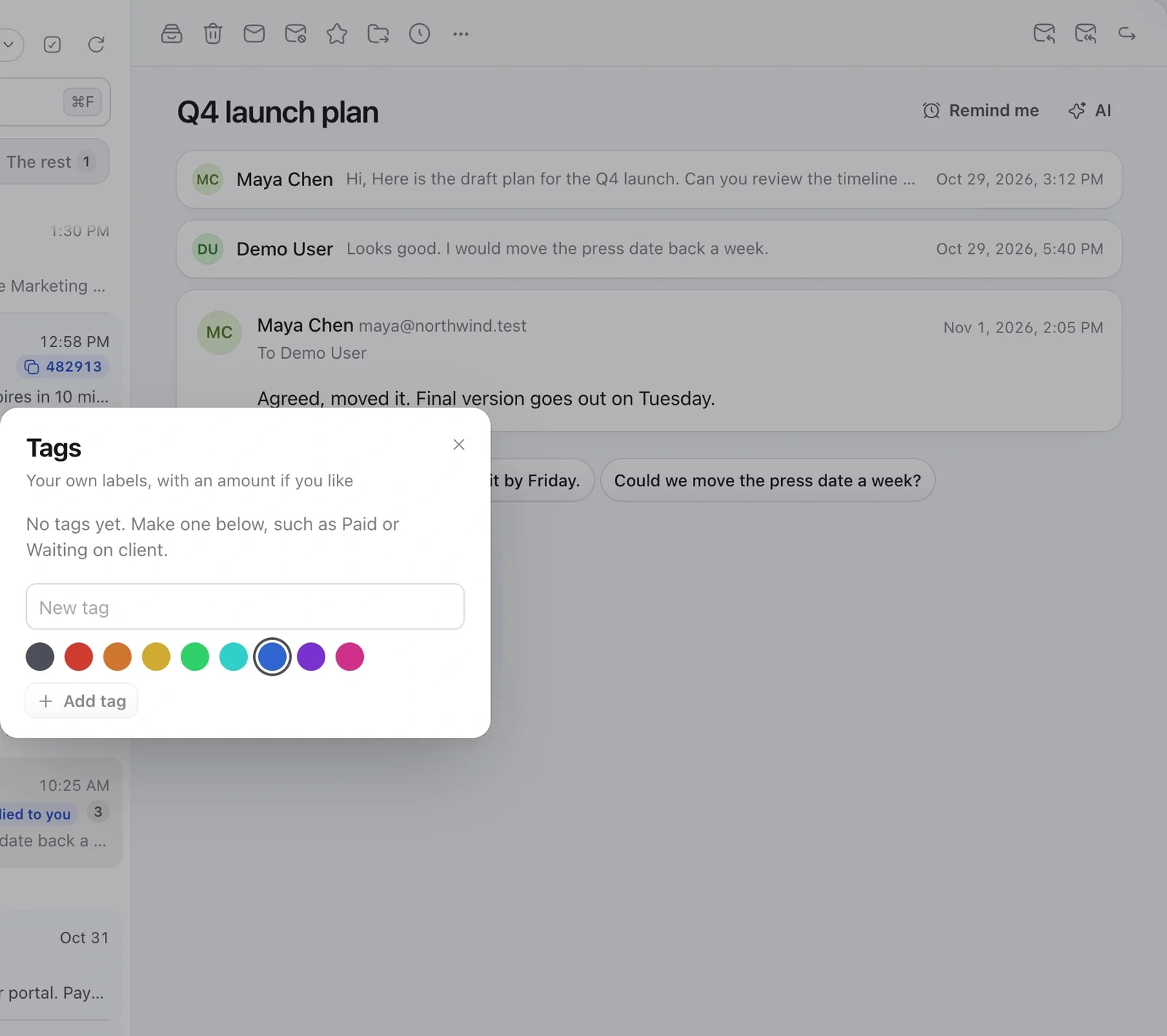
- Open an email, click ⋯ and choose Tags….
- Pick a tag, or type a name to make a new one, like Paid or Waiting on client.
- Add an amount if you like, handy for invoices.
Folders
- Click + next to Folders in the sidebar and give it a name.
- Move emails into it with Move to…, or drag them onto the folder.
Folders are saved on your mail server, so you see them in your other mail apps too.
Still need help?
Write to us and a real person will reply.