
Before you start: allow mail apps
- Open Yandex Mail email client settings.
- Turn on From the imap.yandex.ru server via IMAP and App passwords and OAuth tokens.
Steps
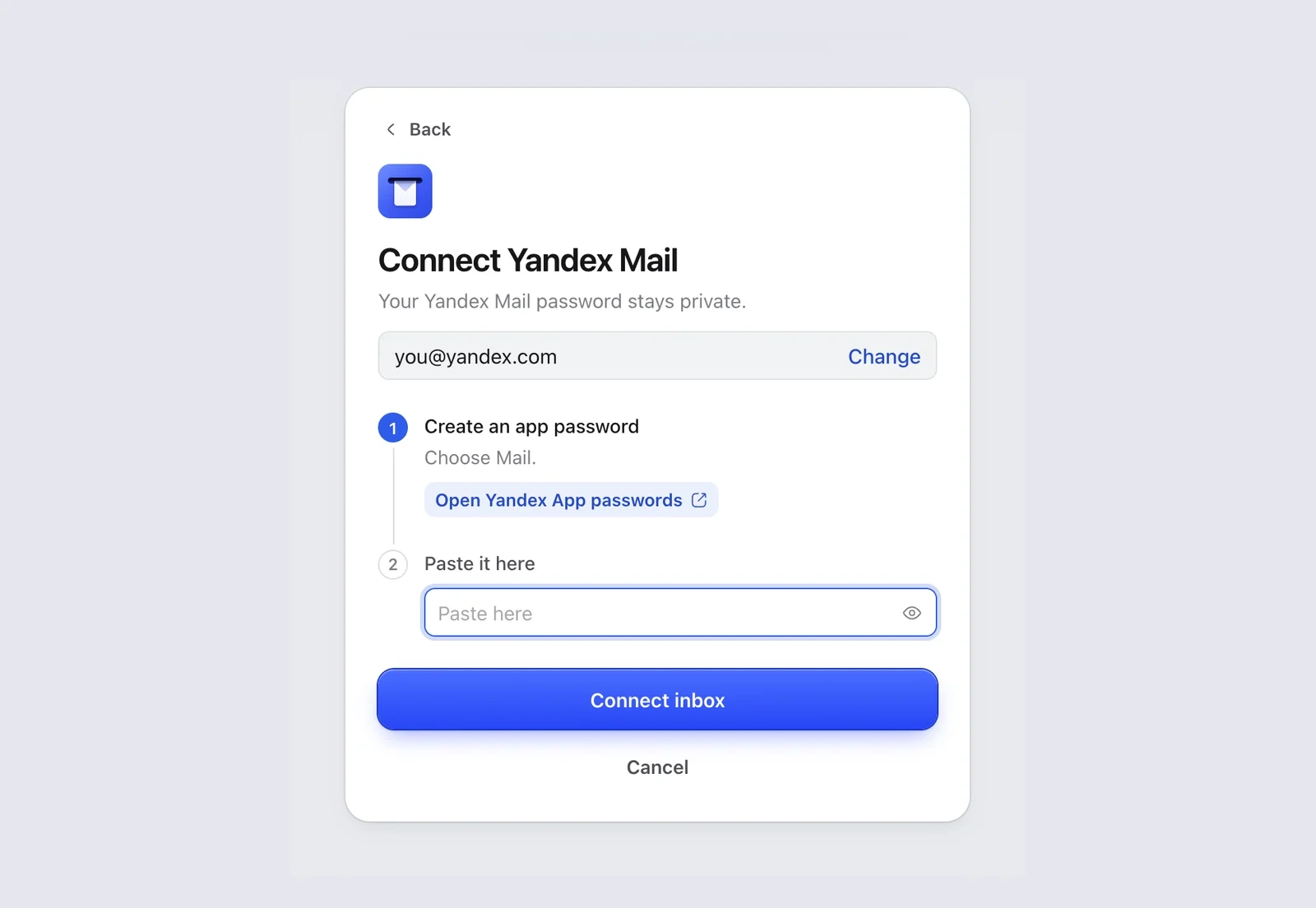
- In Mailzo, click Connect an inbox, type your Yandex address and click Continue.
- Click Open Yandex App passwords in Mailzo, or go to Yandex app passwords, and sign in.
- Choose Mail, name it Mailzo and click Create.
- Copy the password Yandex shows.
- Paste it into Paste it here in Mailzo and click Connect inbox.
Still need help?
Write to us and a real person will reply.