
- Write your email.
- Click Send later, the clock button next to Send.
- Pick a time, or set your own date and time.
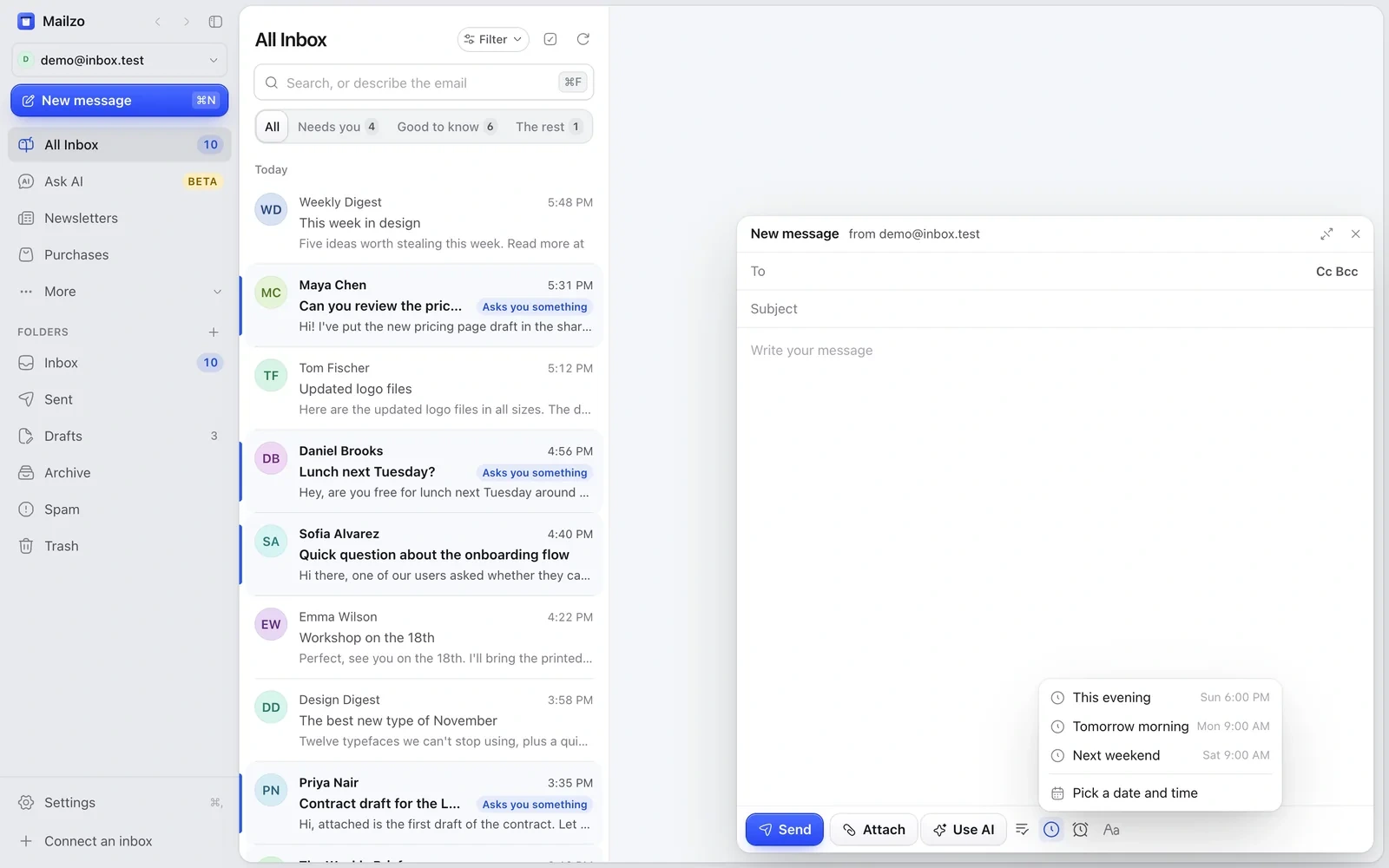
Scheduled emails wait under More › Scheduled, where you can change or cancel them.
Your Mac needs to be on
Scheduled emails are sent from your Mac. If Mailzo isn't open at that time, the email goes as soon as you open it.
Still need help?
Write to us and a real person will reply.