
Microsoft doesn't allow passwords in other mail apps, so you sign in on Microsoft's own page. Mailzo never sees your Microsoft password.
This works for addresses ending in outlook.com, hotmail.com, live.com and msn.com, including country versions like hotmail.co.uk.
Steps
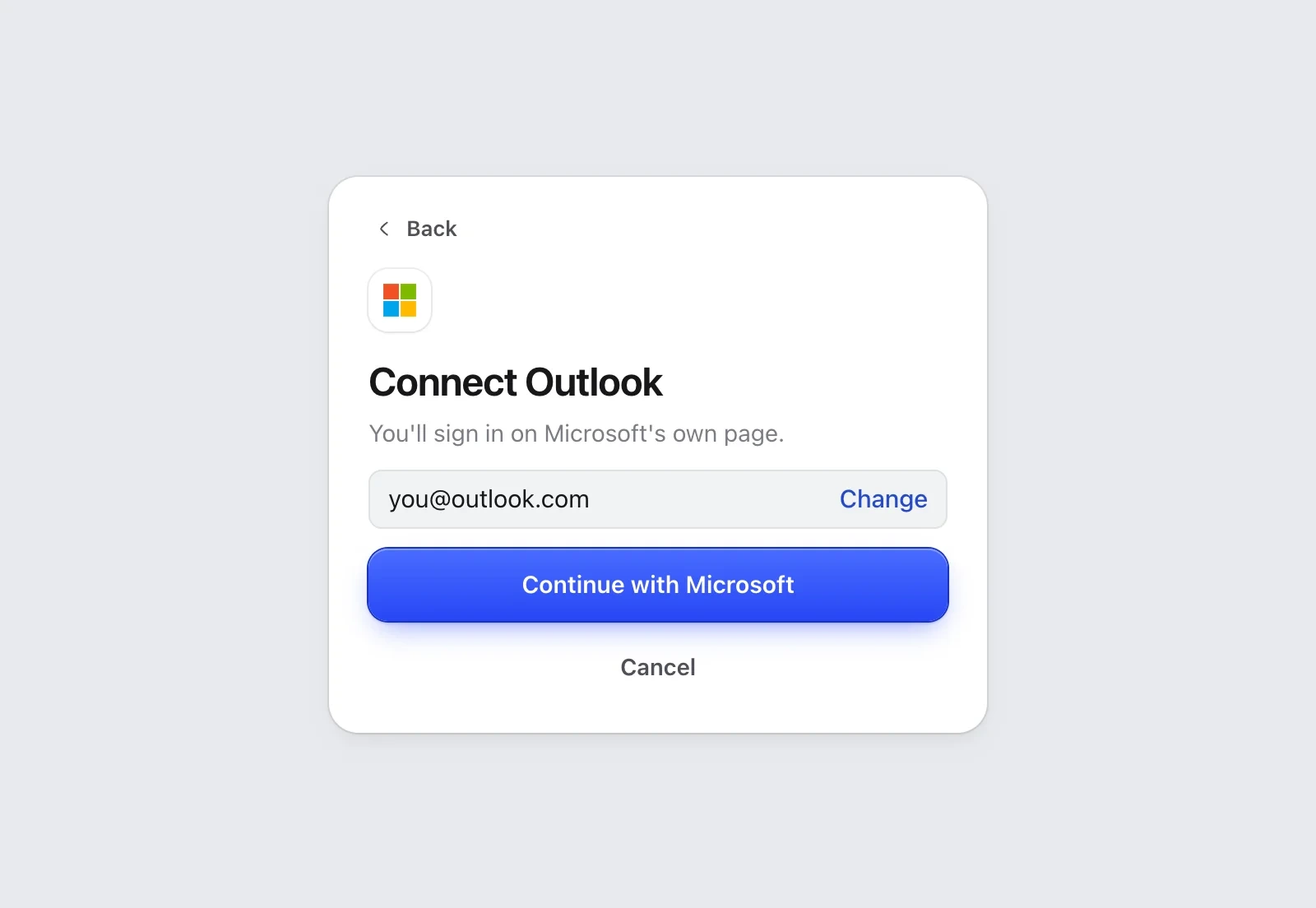
- In Mailzo, click Connect an inbox, type your address and click Continue.
- Click Continue with Microsoft. Your browser opens Microsoft's sign-in page.
- Sign in with your Microsoft account.
- Microsoft asks if Mailzo can read and send your email. Click Accept.
- Go back to Mailzo. Your inbox starts downloading.
Work or school account
For a Microsoft 365 address at work, your admin may need to approve Mailzo first. If Microsoft says you need approval, send your admin the request it shows.
Remove Mailzo's access
Open Apps with access to your Microsoft account and remove Mailzo.
Still need help?
Write to us and a real person will reply.