
AI is off until you turn it on. Your email never goes through our servers.
- Open Settings › AI.
- Choose your AI:
- Apple Intelligence: free, runs on your Mac.
- Your Claude or ChatGPT plan: sign in with the plan you already pay for.
- An AI key from Anthropic, OpenAI, Google, DeepSeek or Groq: you pay them per use.
- Under Use AI for, turn each feature on or off.
- Under What AI may read, choose which inboxes AI can use.
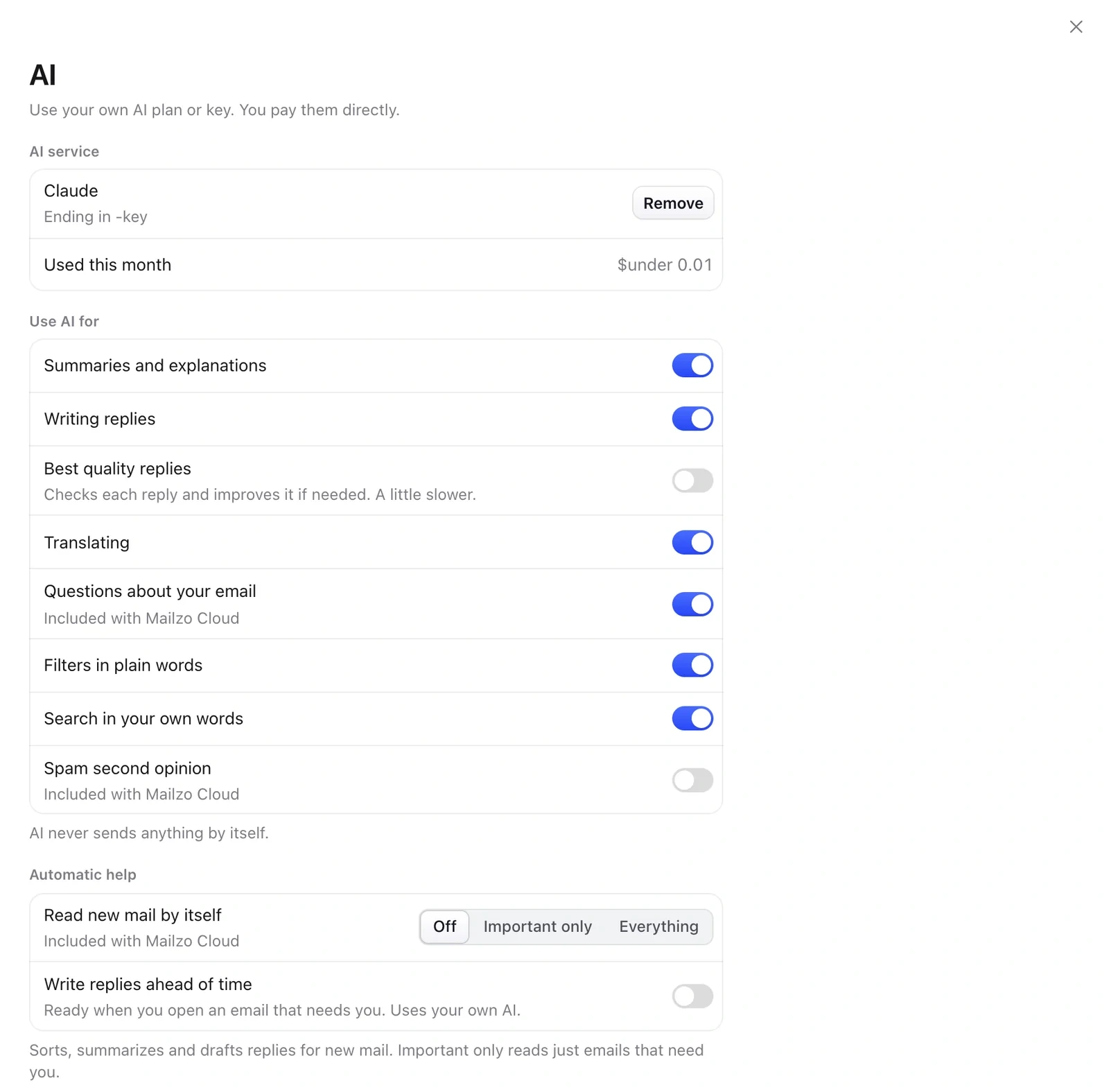
AI never reads spam, trash, drafts or encrypted email, and it never sends anything by itself.
Still need help?
Write to us and a real person will reply.