
iCloud Mail needs an app-specific password made on your Apple account. Your Apple Account password stays private.
Before you start
Your Apple Account needs two-factor authentication. Most accounts already have it.
Steps
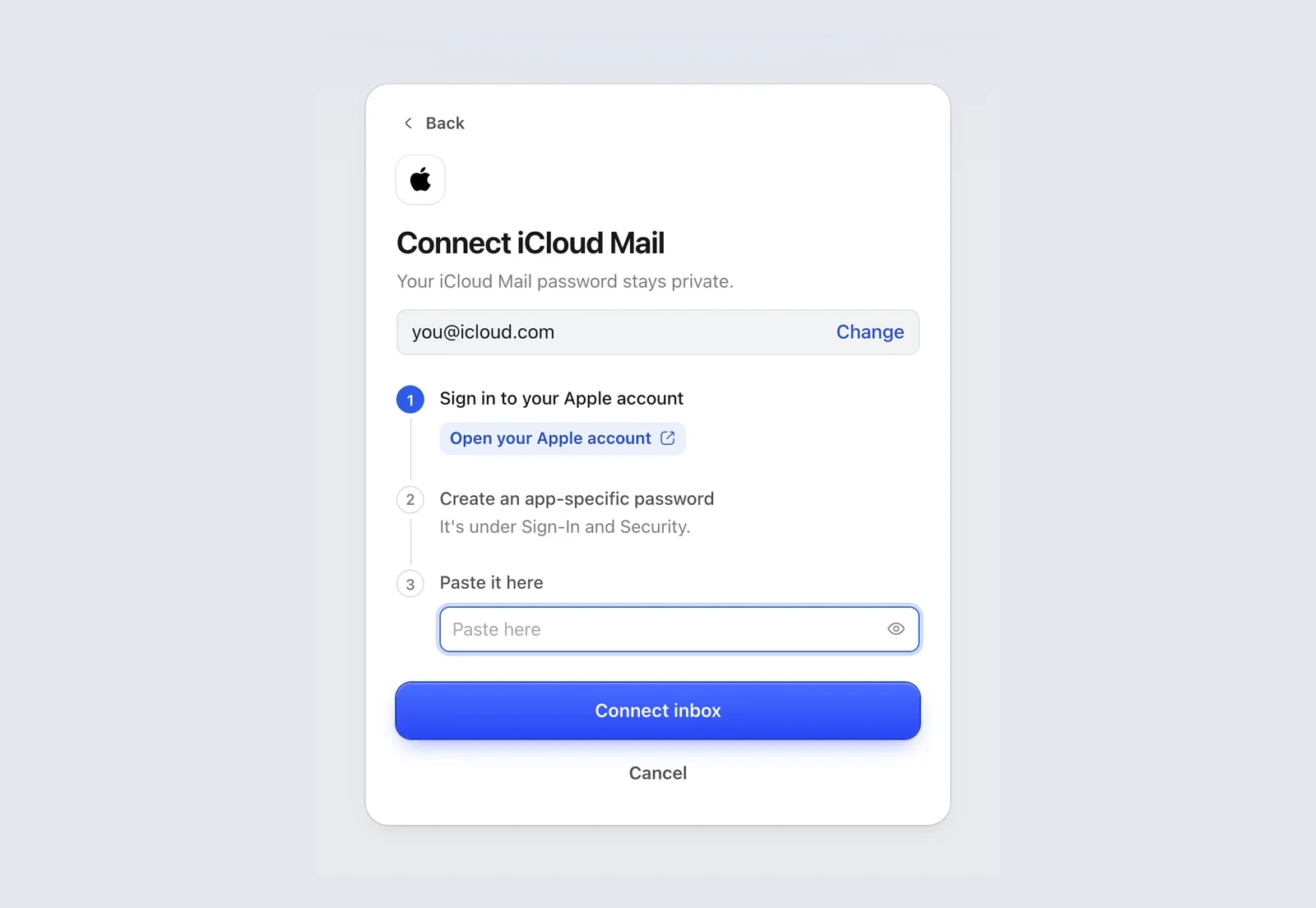
- In Mailzo, click Connect an inbox, type your iCloud address and click Continue.
- Click Open your Apple account in Mailzo, or go to account.apple.com, and sign in.
- Open Sign-In and Security, then App-Specific Passwords.
- Click +, type Mailzo as the name and click Create.
- Copy the password Apple shows.
- Paste it into Paste it here in Mailzo and click Connect inbox.
Good to know
- Use your full address, like name@icloud.com, even if you sign in to Apple with a different email.
- Changing your Apple Account password removes all app-specific passwords. Make a new one and connect again.
Still need help?
Write to us and a real person will reply.