
- Your mail stays on your Mac. It downloads straight from your provider and is saved encrypted. It never goes through our servers.
- Trackers are blocked. Hidden pictures that tell senders you opened their email don't load, and Mailzo shows who tried.
- Links are cleaned. Tracking codes are removed. Links still go to the same page.
- Scams are flagged. Emails that look suspicious get a warning, and you can't reply to them by mistake.
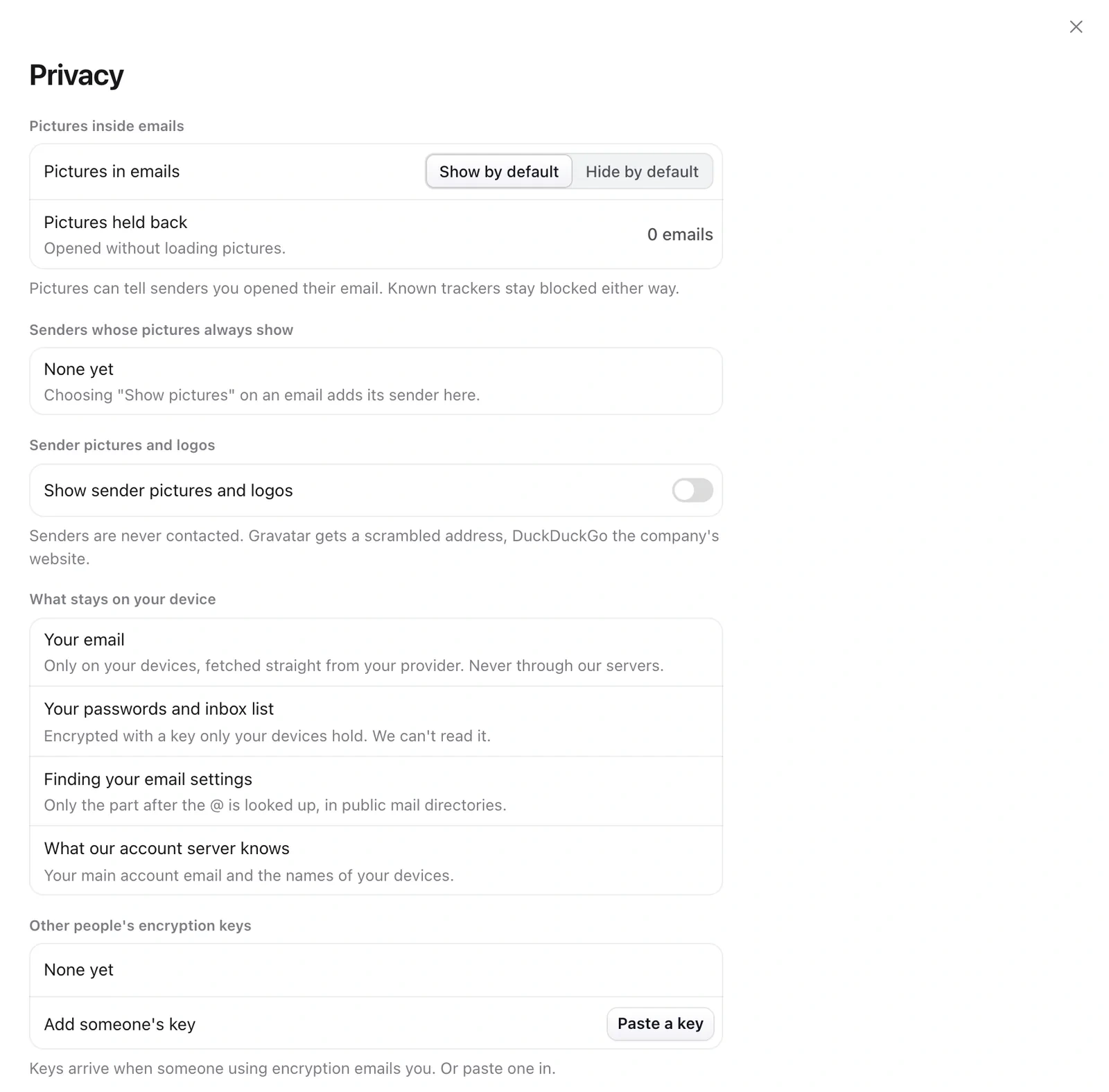
Pictures in emails
- Open Settings › Privacy.
- Choose Show by default or Hide by default.
- On any email, click Show pictures to always show them for that sender.
Still need help?
Write to us and a real person will reply.