
Search
- Press ⌘F or /.
- Type a name, a word or an address.
- From an inbox, Mailzo searches that inbox. From All Inbox, it searches them all. Use the picker to switch.
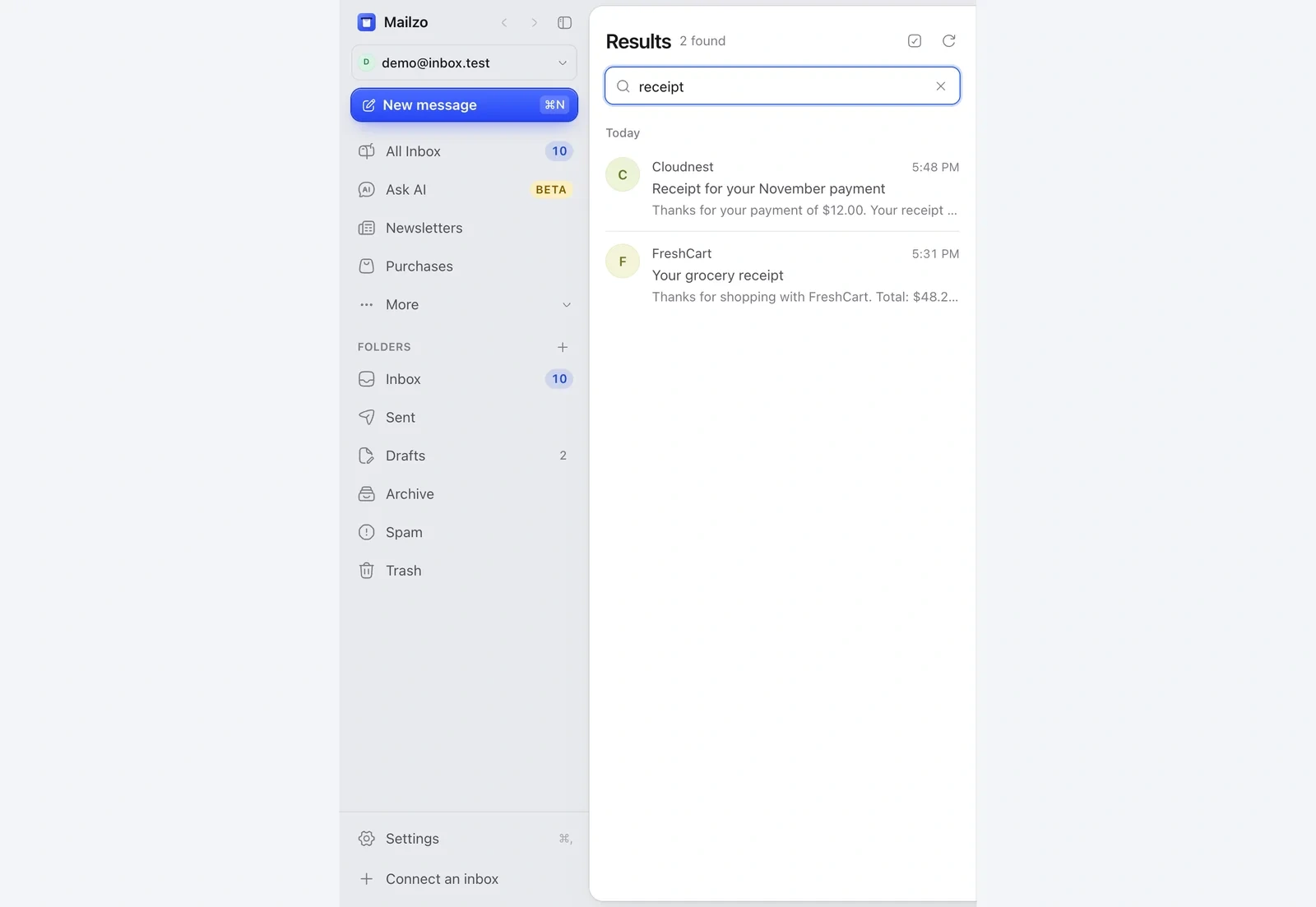
With AI turned on, you can describe the email in your own words, like invoices from last month. Without AI, Mailzo searches your exact words.
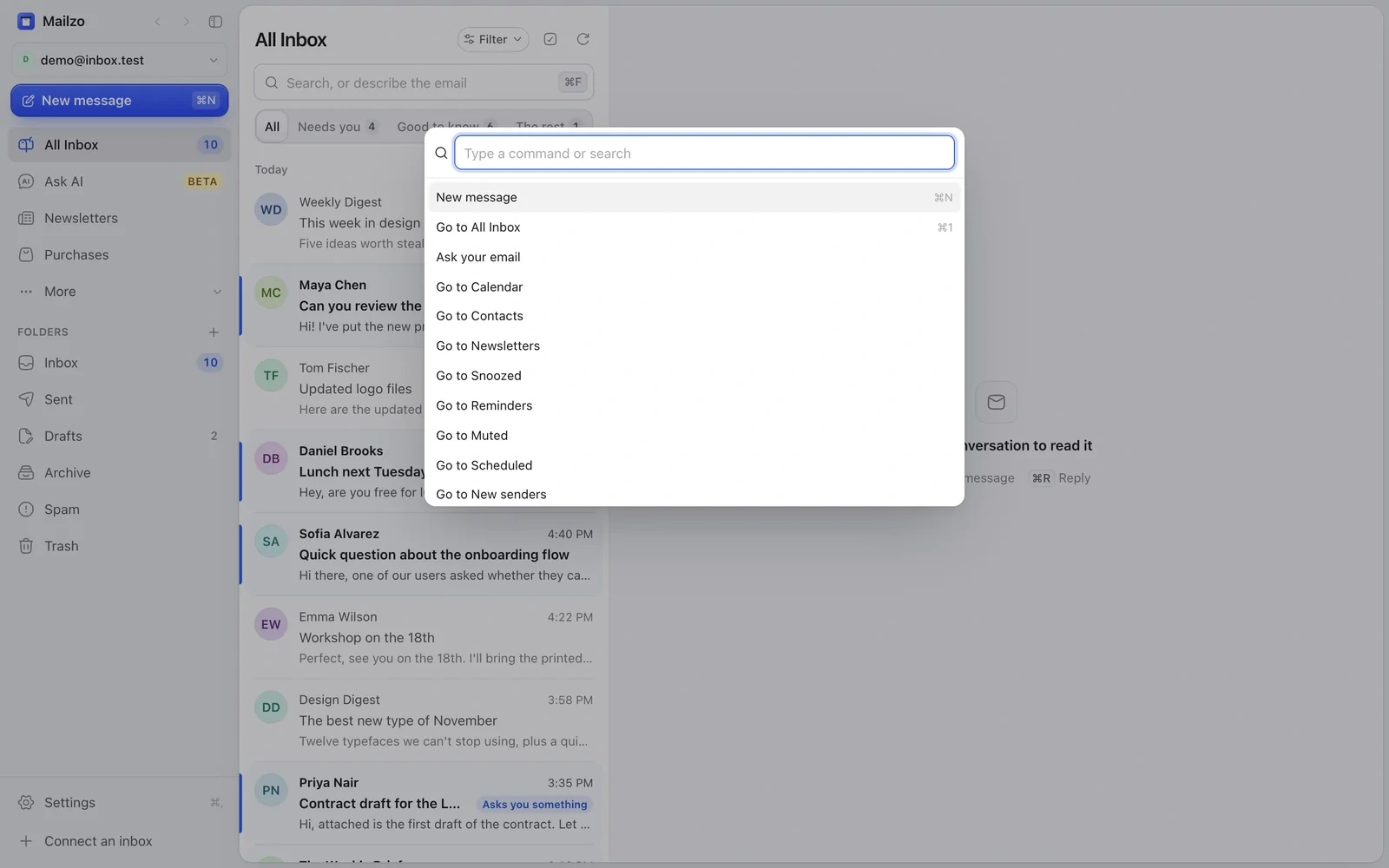
The command bar
Press ⌘K and type what you want to do, like Go to Snoozed or New message, then press ↩.
Still need help?
Write to us and a real person will reply.