
Single keys work after you turn on Single-key shortcuts in Settings › General. The full list is in Settings › Shortcuts.
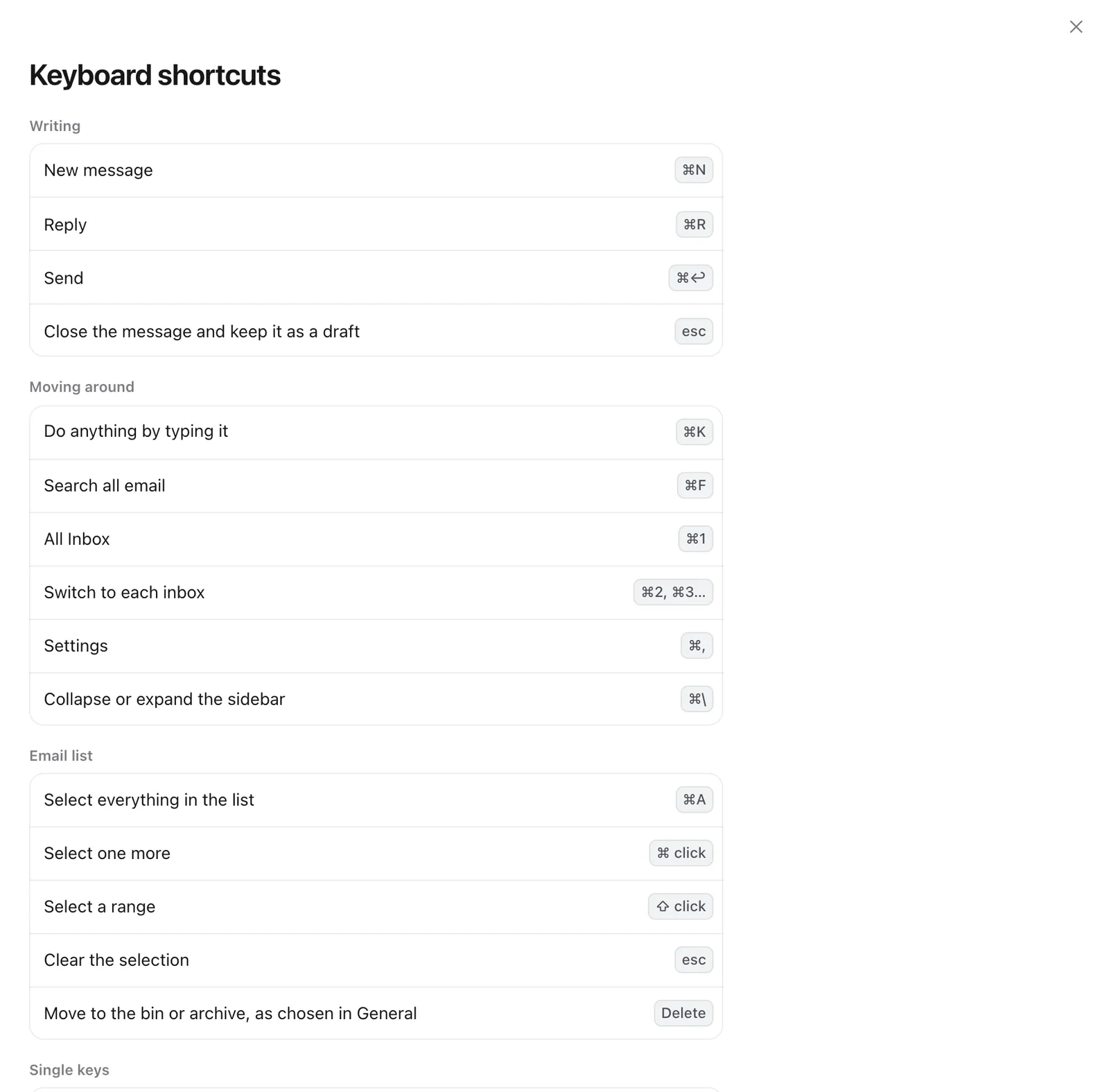
Writing
- New message: ⌘N
- Reply: ⌘R
- Send: ⌘↩
- Close and keep as draft: esc
Moving around
- Command bar: ⌘K
- Search all email: ⌘F
- All Inbox: ⌘1
- Each inbox: ⌘2, ⌘3…
- Settings: ⌘,
- Hide or show the sidebar: ⌘\
Email list
- Select all: ⌘A
- Select one more: ⌘-click
- Select a range: ⇧-click
- Clear the selection: esc
Single keys
- Next or previous email: J / K
- Archive: E
- Delete: #
- Done: D
- Star: S
- Read or unread: U
- Snooze until tomorrow: H
- Pin: P
- Mute: M
- Reply, reply all, forward: R / A / F
- New message: C
- Search: /
Still need help?
Write to us and a real person will reply.